16 www.kodak.com/go/support
ENGLISH
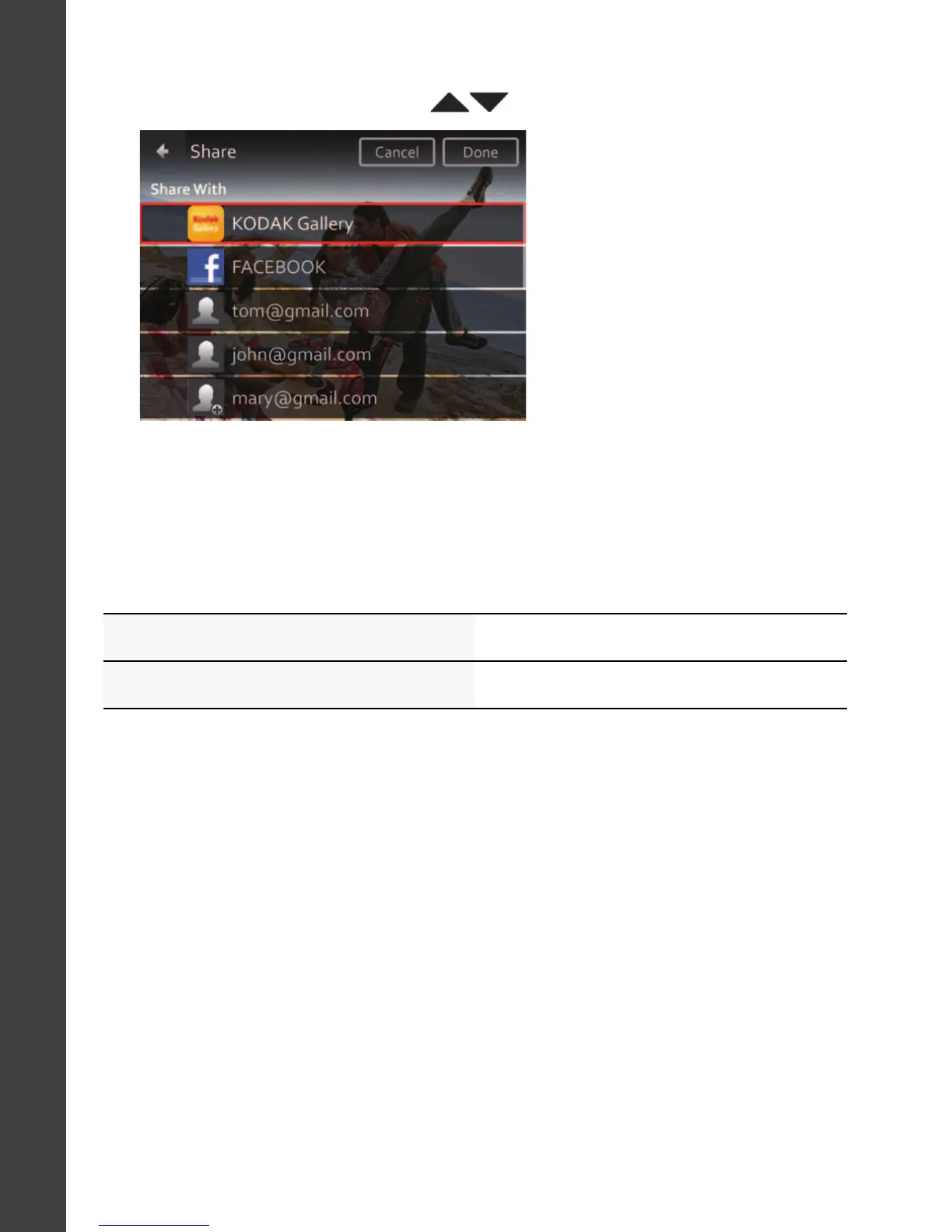
3 Tap desired social networking sites or email addresses. (Tap again to
remove a check mark. Drag to scroll through the list.)
4 Tap Done.
When you transfer these pictures/videos to your computer, they are sent
to the sharing destinations you chose.
See the Extended user guide www.kodak.com/go/m577manuals
See How-To videos www.kodak.com/go/m577demos
urg_01219.book Page 16 Wednesday, March 9, 2011 11:52 AM












 To Next Page