Setting up your camera
www.kodak.com/go/support
5
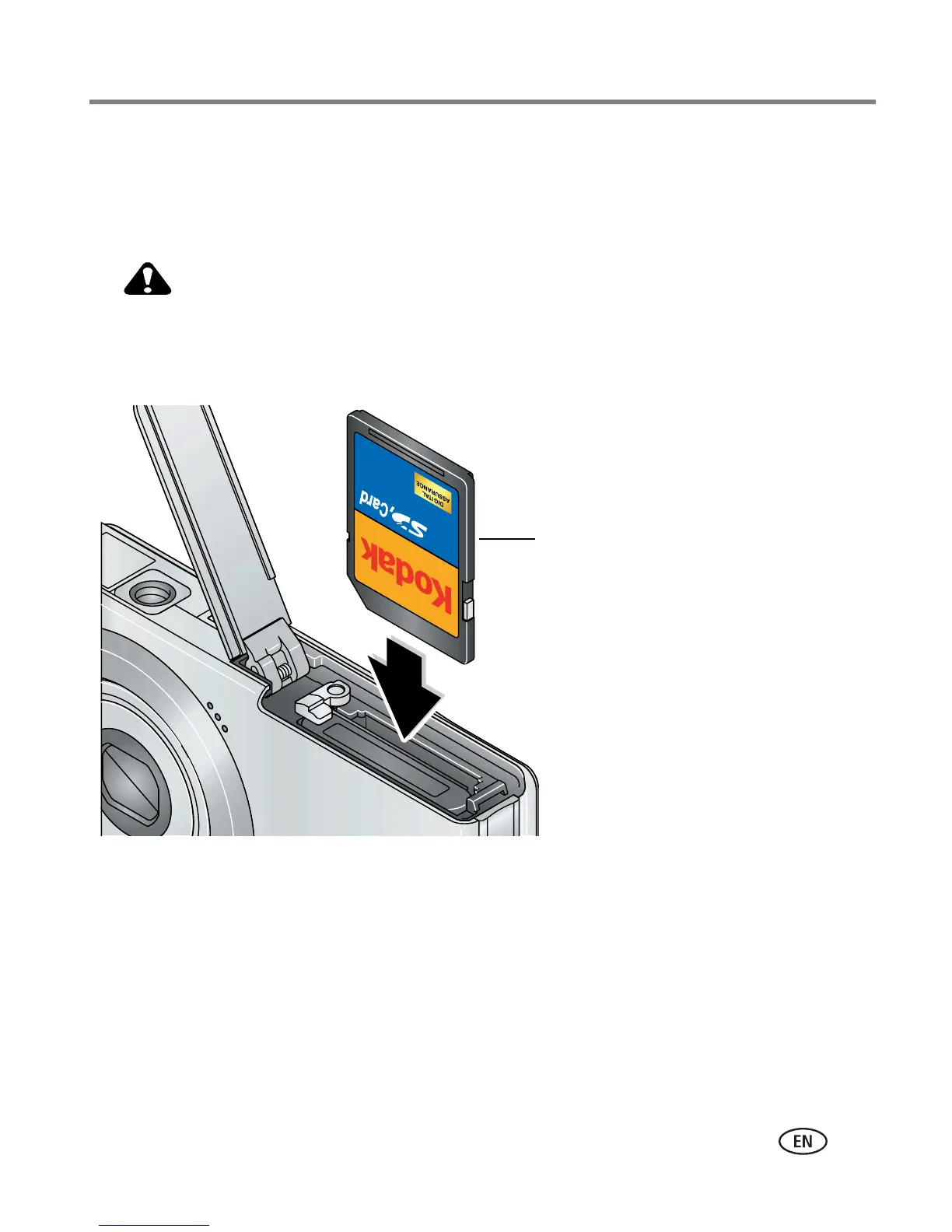
Storing pictures on an SD or MMC card
Your camera has internal memory. You can purchase an SD or MMC card to
conveniently store more pictures/videos (www.kodak.com/go/m873accessories).
CAUTION:
A card can only be inserted one way; forcing it may cause damage.
Inserting or removing a card when the Ready light is blinking may
damage the pictures, the card, or the camera.
NOTE: To choose a storage location for pictures and videos, see page 32.
optional













 To Next Page