Doing more with your camera
www.kodak.com/go/support
37
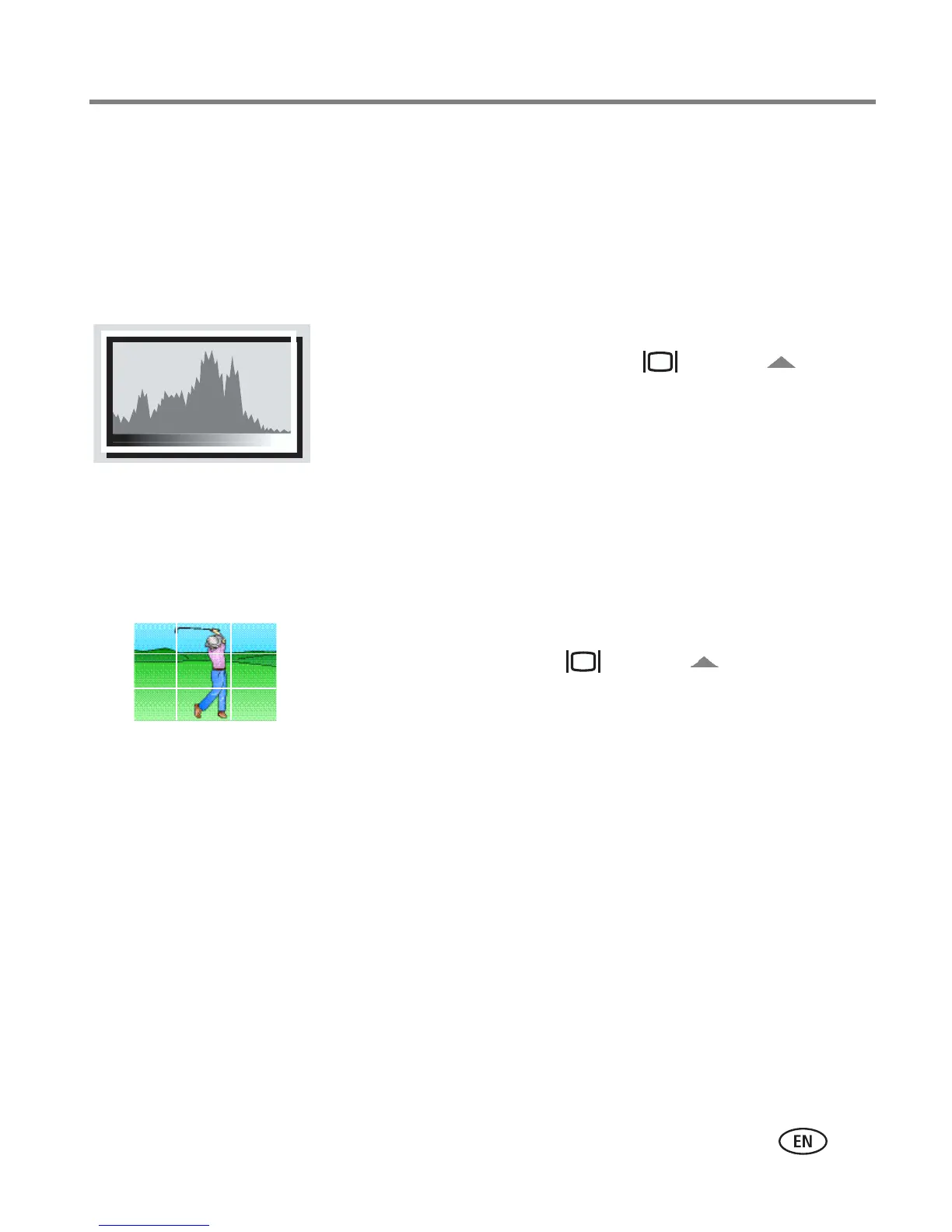
Using the histogram to view picture brightness
Use the histogram to evaluate the distribution of light before or after you take a
picture. If the peak is to the right of the graph, the subject is bright; if it’s to the left,
the subject is dark. Optimal exposure is achieved when the peak is in the middle of
the histogram. The flash may affect a picture’s light and shadow.
To turn on the histogram in Capture mode or in
Review, press the Display button ( ) until
the histogram appears.
Using the framing grid to compose a picture
The framing grid divides the LCD into thirds—vertically and horizontally. This is
helpful if, for example, you want to balance a picture between water, earth, and sky.
To turn on the framing grid in Auto/SCN mode,
press the Display button ( ) until the grid
appears.
Sharing your pictures
Press the Share button to tag your pictures/videos. When they are transferred to your
computer, you can share them. Press the Share button to tag pictures/videos:
■ Any time. (The most recent picture/video taken is then displayed.)
■ After pressing the Review button (see page 13).














 To Next Page