Doing more with your camera
www.kodak.com/go/support
33
Using camera Help
To better understand each menu option, use camera Help.
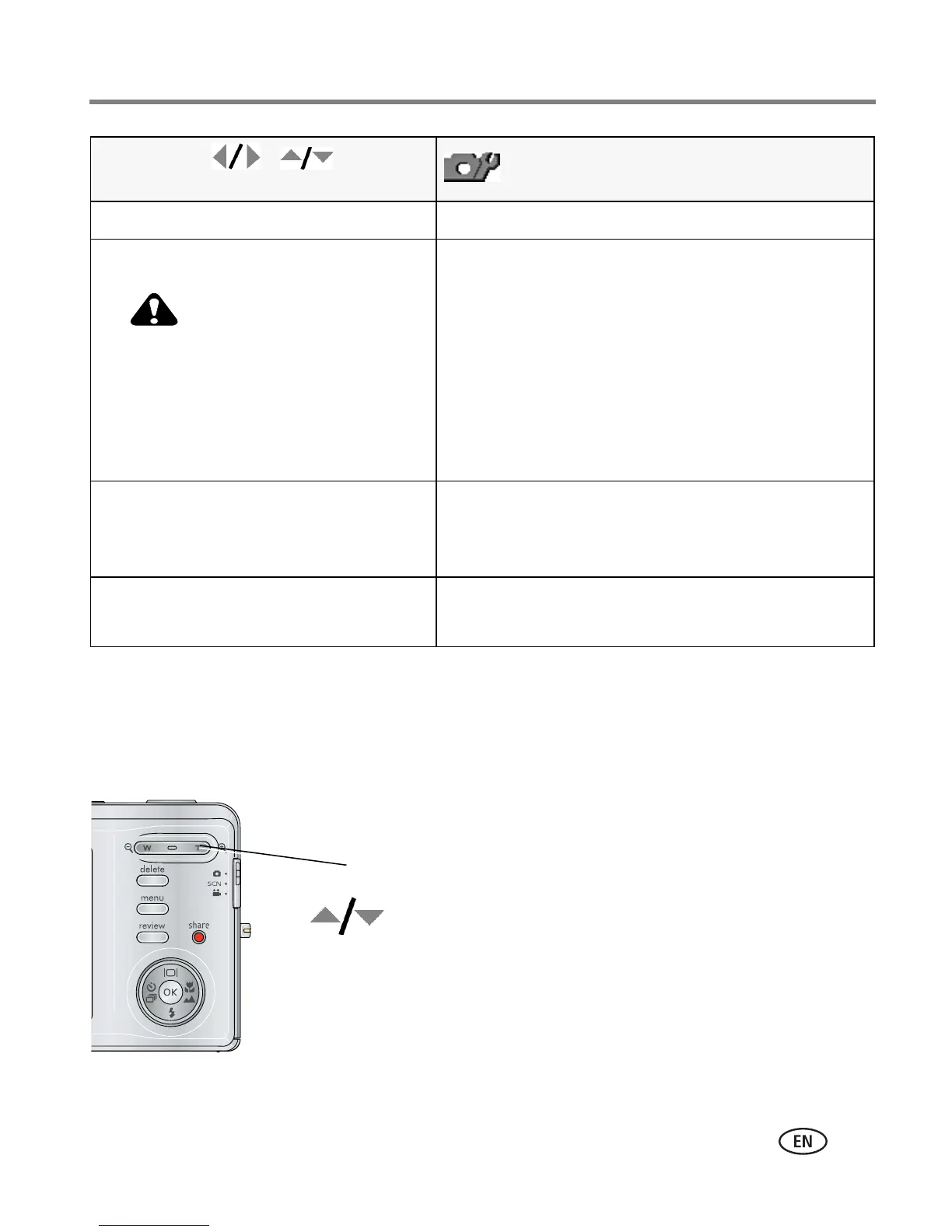
Highlight a menu choice, then press the Zoom telephoto (T) button.
Language Choose your language.
Format
CAUTION:
Formatting deletes all
pictures/videos, including those
that are protected. Removing a
card during formatting may
damage the card.
Memory Card—deletes everything on the card;
formats the card.
Cancel—exits without making a change.
Internal Memory—deletes everything in internal
memory including email addresses, album names,
and favorites; formats the internal memory.
Reset Camera
Available in all modes except
SCN-Custom.
Reset settings to their default.
About
View camera information.
Press Menu, , , and OK
to access settings
Options
Turn on Help
Turn off Help
Scroll up/down
OK
T













 To Next Page