Taking pictures/videos
www.kodak.com/go/support
7
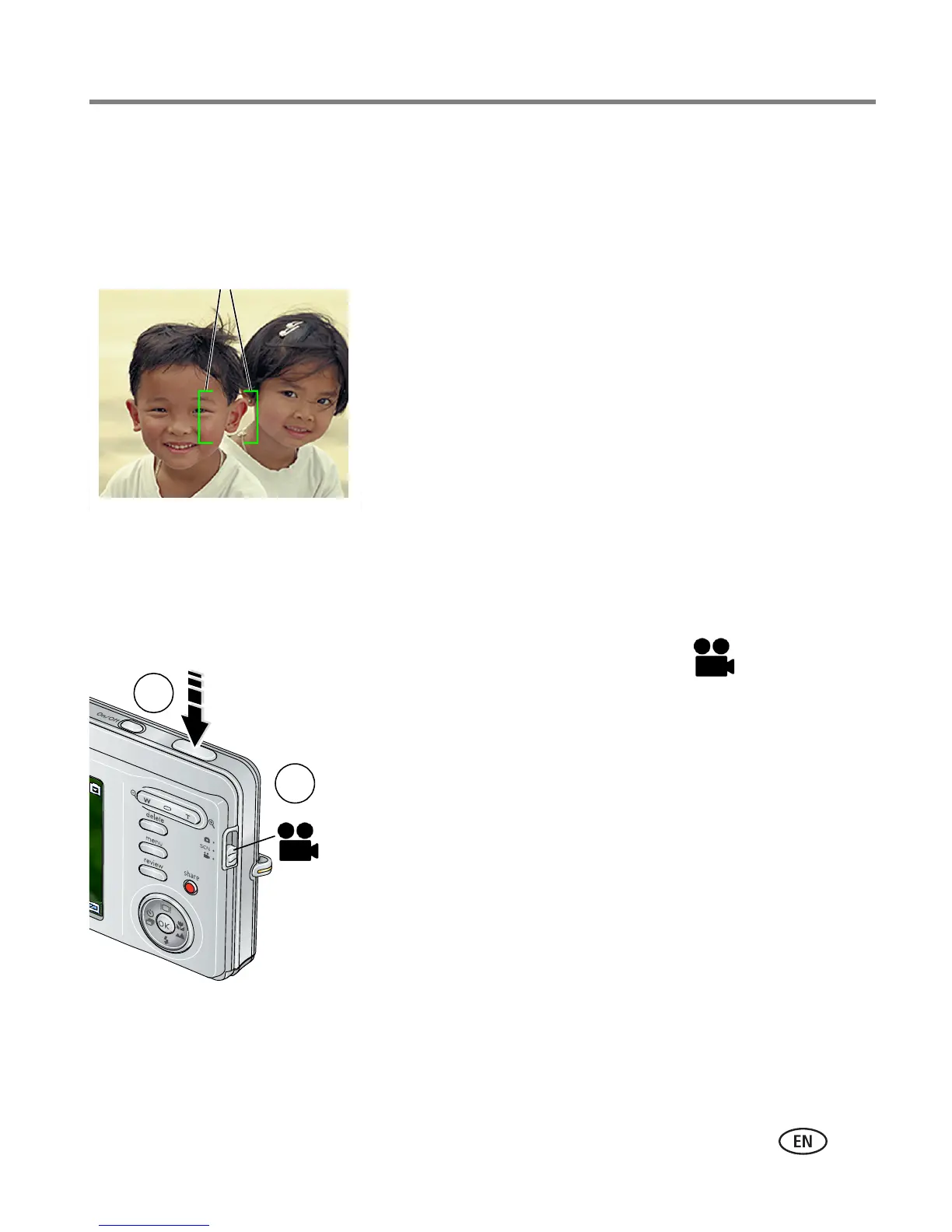
Using the framing marks to take pictures
Framing marks indicate the camera focus area. The camera attempts to focus on
foreground subjects, even if the subjects are not centered in the scene.
1 Press the Shutter button halfway.
When the framing marks turn green, focus is
accomplished.
2 If the camera is not focusing on the desired subject
(or if the framing marks disappear), release the
Shutter button and recompose the scene.
3 Press the Shutter button completely down to
take the picture.
NOTE: Framing marks do not appear in Landscape or Video mode. When you use Focus
Zone and set Center Zone, the framing marks are fixed at Center Wide.
Taking a video
1 Slide the Mode switch to Video .
2 Press the Shutter button completely down,
then release it. To stop recording, press and release
the Shutter button again.
To review and work with videos, see page 13.
Framing marks
2
1














 To Next Page