Doing more with your camera
www.kodak.com/go/support
35
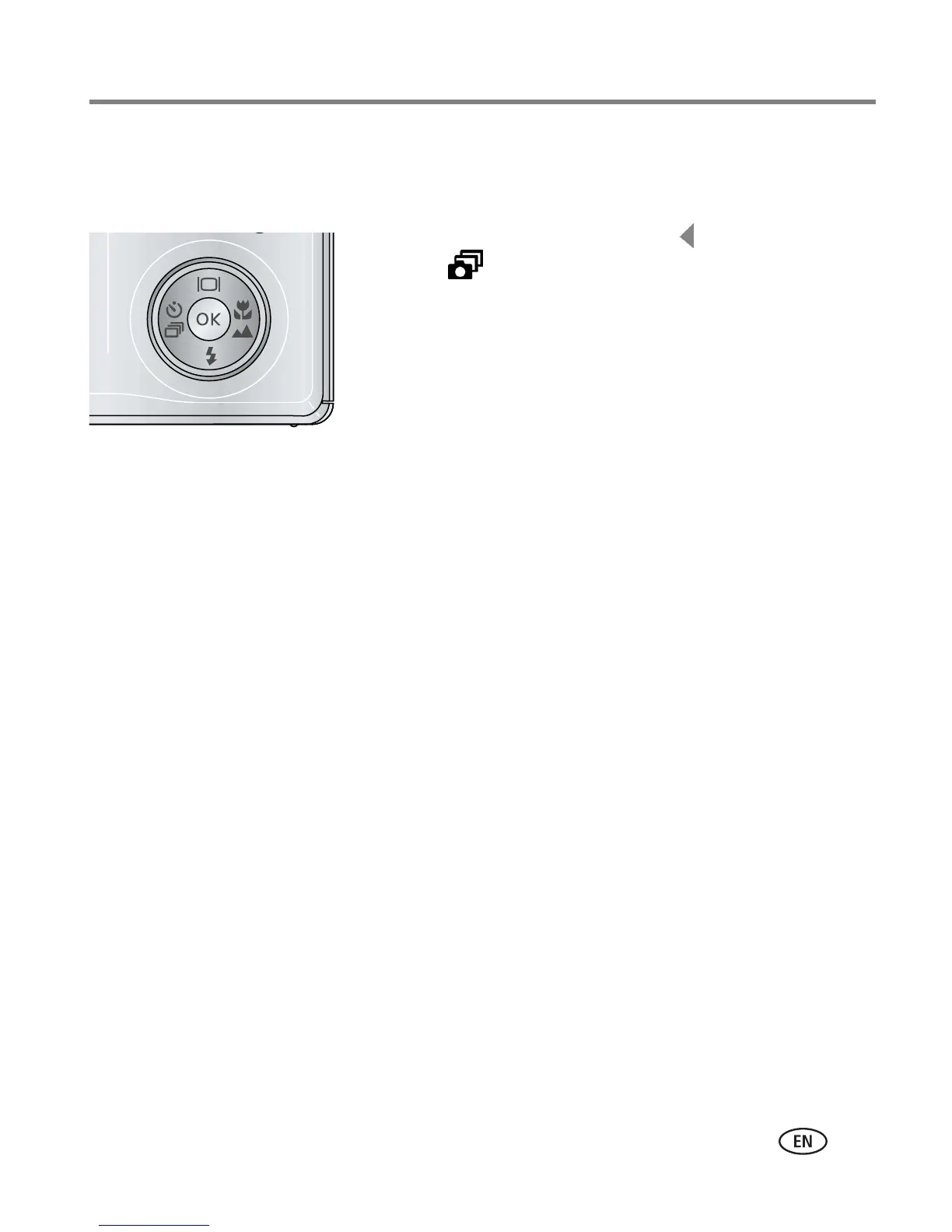
Using burst
Use burst to take up to 4 pictures in rapid succession.
1 In most Still modes, press the button repeatedly
until appears on the LCD.
2 Press the Shutter button halfway to focus and set
exposure.
3 Press the Shutter button completely down and
hold it to take pictures.
The camera stops taking pictures when you release the
Shutter button, when the pictures are taken, or when
there is no more storage space.
NOTE: During quickview, you can delete all pictures in the burst series. To delete selectively, do so in
Review (see page 14). Burst is not available when shutter speeds are longer than 0.5 seconds.













 To Next Page