Doing more with your frame
14 www.kodak.com/go/easysharecenter
(Slide show options).
For P520 digital frame—tap (Home), then (Settings).
2 Highlight Sort, then tap Select.
3 Select a sort order, as follows. Then tap OK or Save.
– Filename, A - Z
– Filename, Z - A
– Date, oldest to newest (default)
– Date, newest to oldest
Copying pictures
Copy pictures from your current viewing location to other connected devices ( page 8).
CAUTION:
Removing a card or disconnecting a device while copying may
damage your card, pictures, or device.
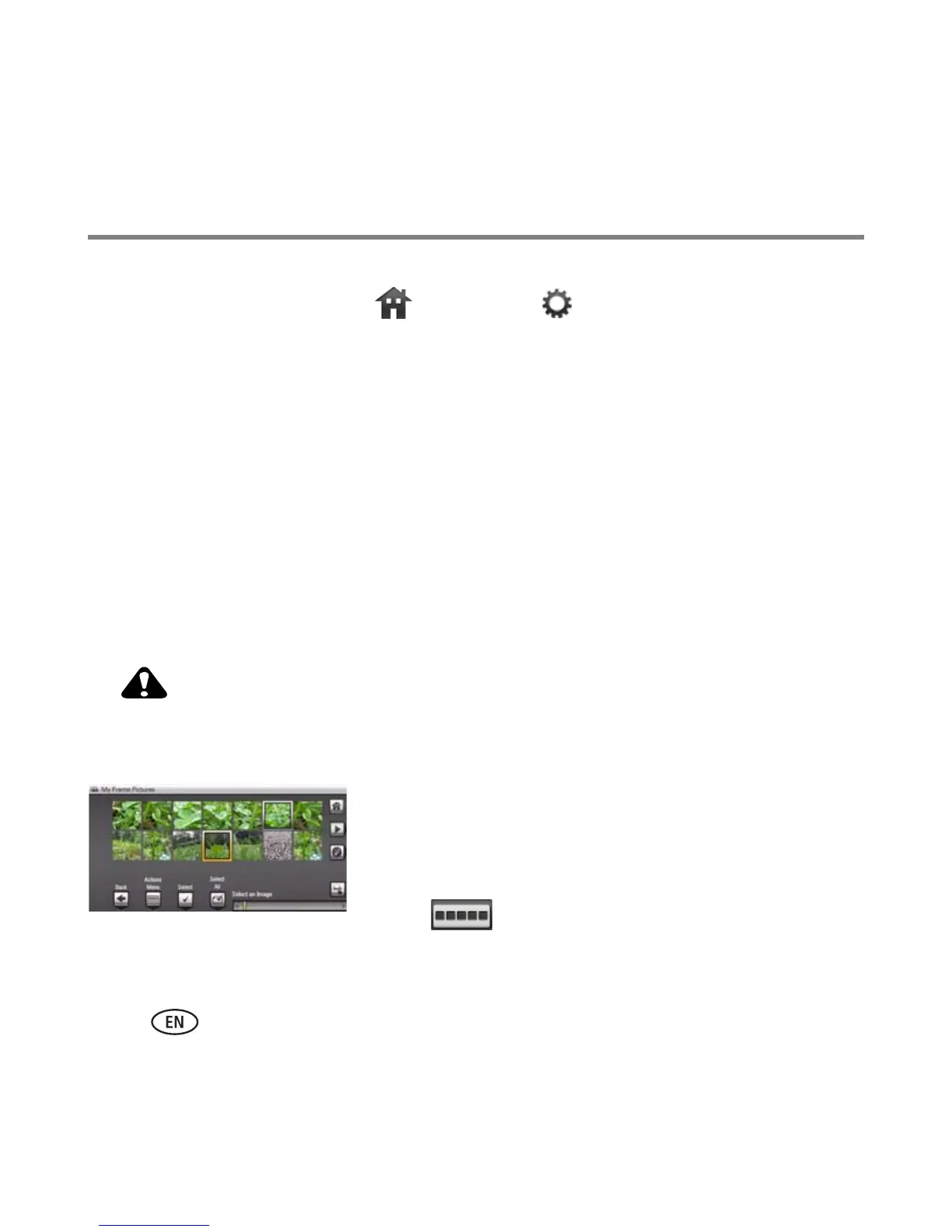
1 Highlight a picture to copy:
In thumbnails view, slide your finger along the slider
area to find a picture; or, display a picture in single
view.
2 Tap (Actions).













 To Next Page