Doing more with your frame
16 www.kodak.com/go/easysharecenter
Selecting multiple pictures
Use the multi-select feature to:
■ copy or delete two or more pictures
■ play a slide show of selected pictures
Selecting individual pictures
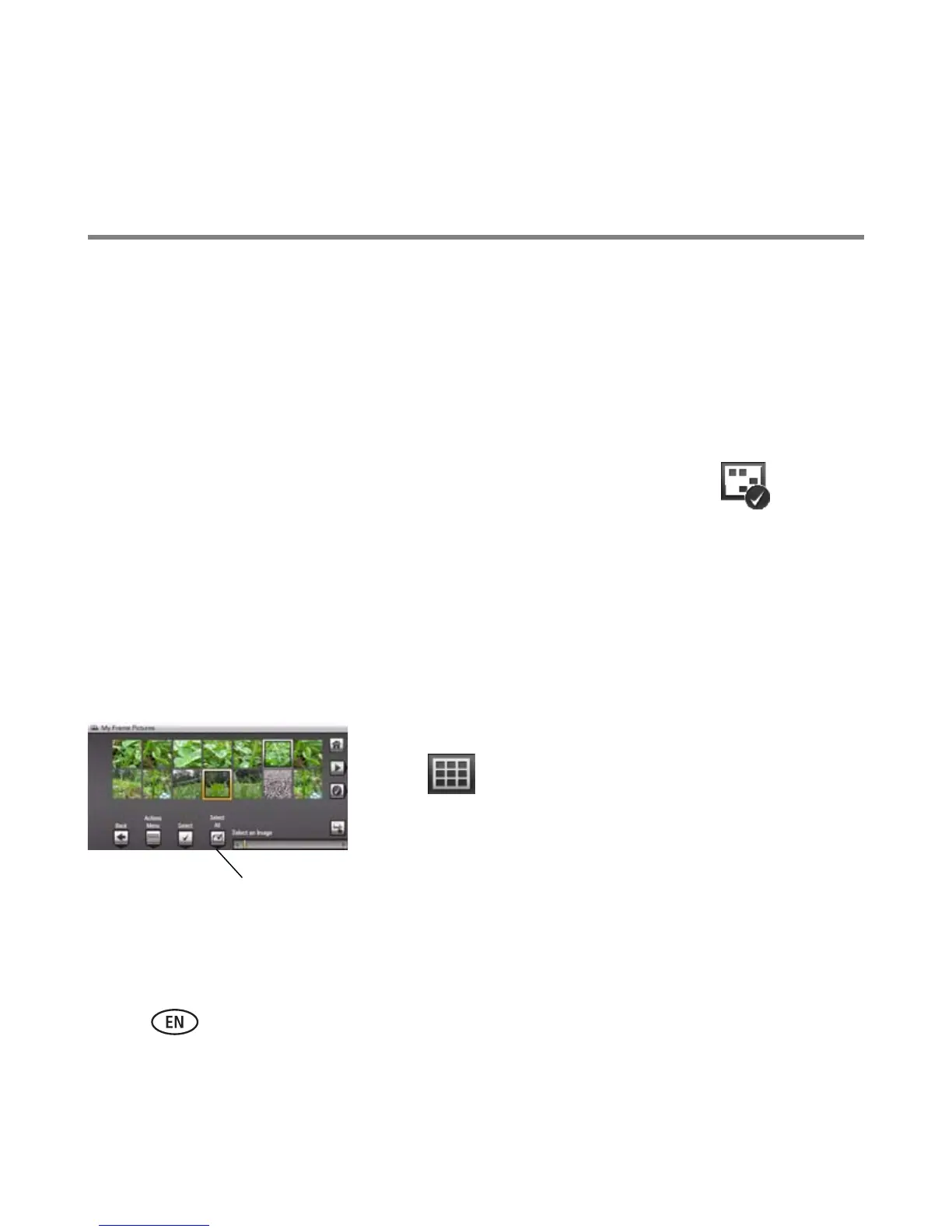
1 In thumbnails view, touch and slide to highlight a picture, then tap (Select).
A check mark appears on the selected picture.
2 Continue selecting pictures.
To remove a check mark, highlight a picture, then tap Unselect.
Tip: To remove all check marks at once, tap Select All, then tap Unselect All.
Selecting/Unselecting all
Select all
■ Tap (Select All) from thumbnails view (or your
current location).
Unselect all
■ To remove all check marks, tap Unselect All.
Select/Unselect All















 To Next Page