.
EXPLANATION OF COMPONENTS
METHOD OF USING MAINTENANCE MODE
The maintenance mode shows the replacement interval for the oil
filters and oil on the monitor.
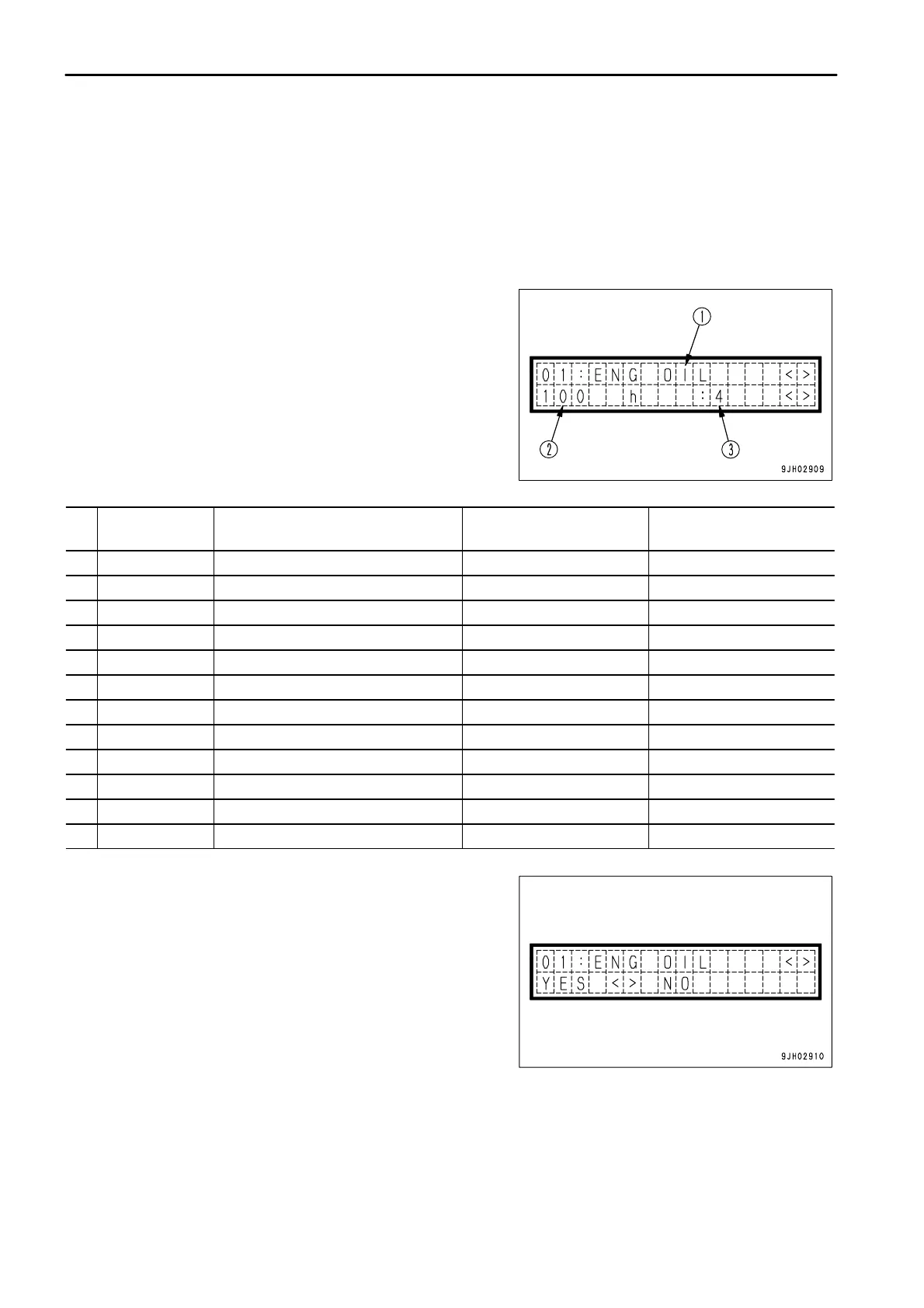
The content of the display is as follows.
(1) The item is displayed.
(2) The time remaining until replacement is displayed.
(3) The number of times that replacement has been made until
now is displayed.
The display items can be displayed in order by operating the
information switch to the left or right (<, >).
Display Item Time to 1st replacement
Time to 2nd and
following replacements
1. ENG.OIL Engine oil 250h 500h
2. ENG.FLT Engine oil filter 250h 500h
3. BYPS.FLT Bypass filter 250h 500h
4. FUEL.FLT Fuel filter 250h 500h
5. CORR.FLT Corrosion resistor 1000h 1000h
6. P/L.OIL Power train oil 250h 1000h
7. P/L.FLT Power train oil filter 250h 500h
8. HYD.OIL Hydraulic oil 250h 2000h
9. HYD.FLT Hydraulic filter 250h 2000h
10. CHG.FLT HSS charge filter 0h 0h
11. DAMP.OIL Damper oil 2000h 2000h
12. F/D.OIL Final drive oil 250h 2000h
When the oil or filter has been replaced, select the applicable item,
then operate the buzzer cancel switch to ¯.
The screen will ask if you want to display the replacement history.
Operate the information switch to select YES, then operate the
buzzer cancel switch to ¯. The replacement account will increase
by 1, the replacement interval will be reset, and the oil, filter change
interval lamp will go out.
When this is done, if the maintenance caution lamp does not go
out, there is another item close to the replacement time, so check
the situation.



 To Next Page