.
EXPLANATION OF COMPONENTS
EXPLANATION OF COMPONENTS
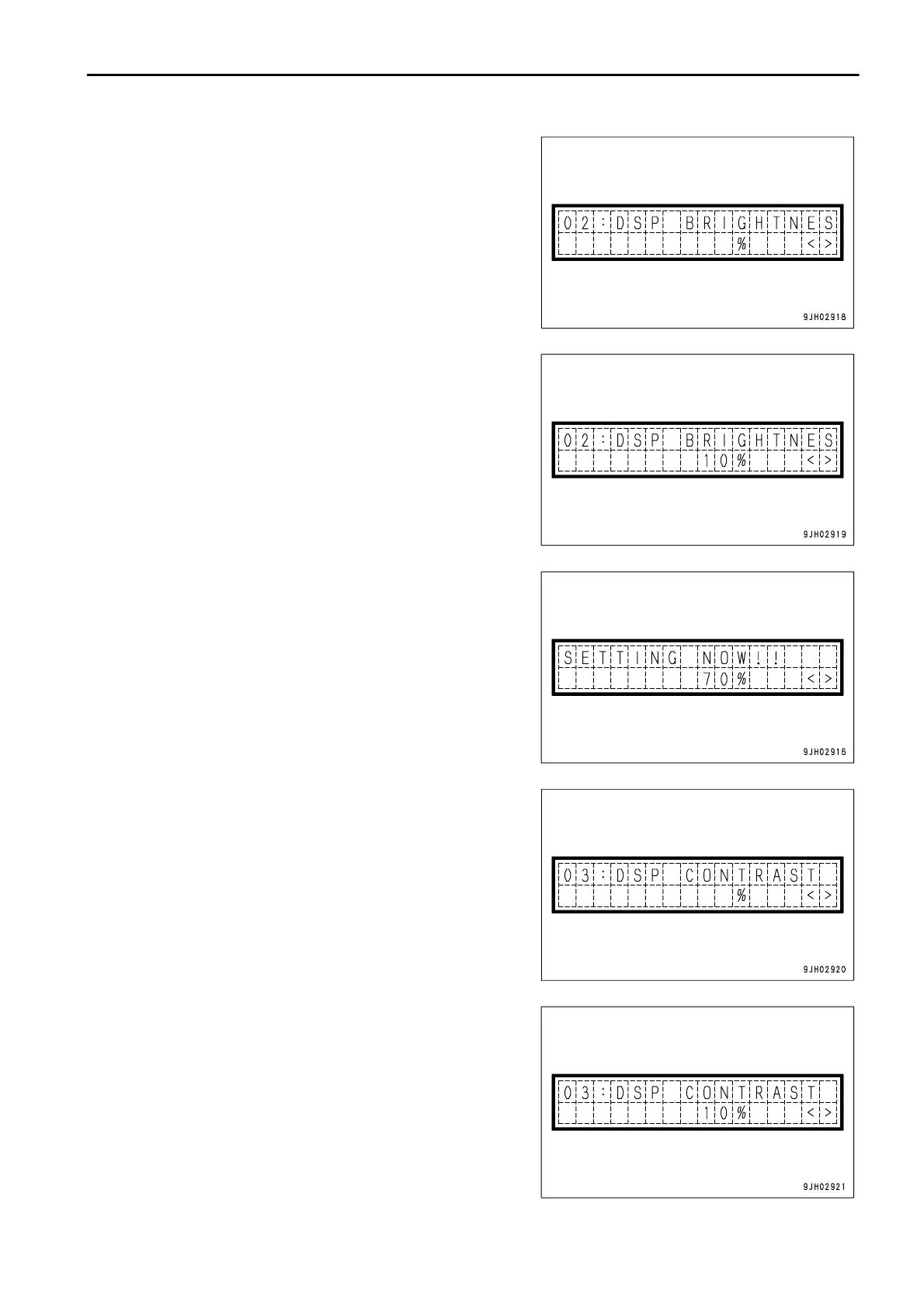
2. Adjusting backlighting of message display
The diagram on the right is the mode for adjusting the
brightness of the backlighting of the message display. On the
screen, operate the buzzer cancel switch to ¯ to switch to the
screen for adjusting the brightness.
The brightness can be adjusted by operating the information
switch.
The higher the number, the brighter the screen becomes; the lower
the number, the darker the screen becomes.
> position: Number increases
< position: Number decreases
When the buzzer cancel switch is operated to ¯, the brightness of
the message display backlighting is set.
3. Adjusting contrast of liquid crystal message display
The diagram on the right is the mode for adjusting the contrast
of the liquid crystal message display.
On this screen, operate the buzzer cancel switch to ¯ to
switch to the screen to adjust the contrast.
The contrast can be adjusted by operating the information switch.
The higher the number, the deeper the screen becomes; the lower
the number, the lighter the screen becomes.
> position: Number increases
< position: Number decreases



 To Next Page