Making Copies
5
5-13
<Fixed and Variable Zoom Ratios>
1
Position the original.
❍
Original Loading (p.4-1)
2
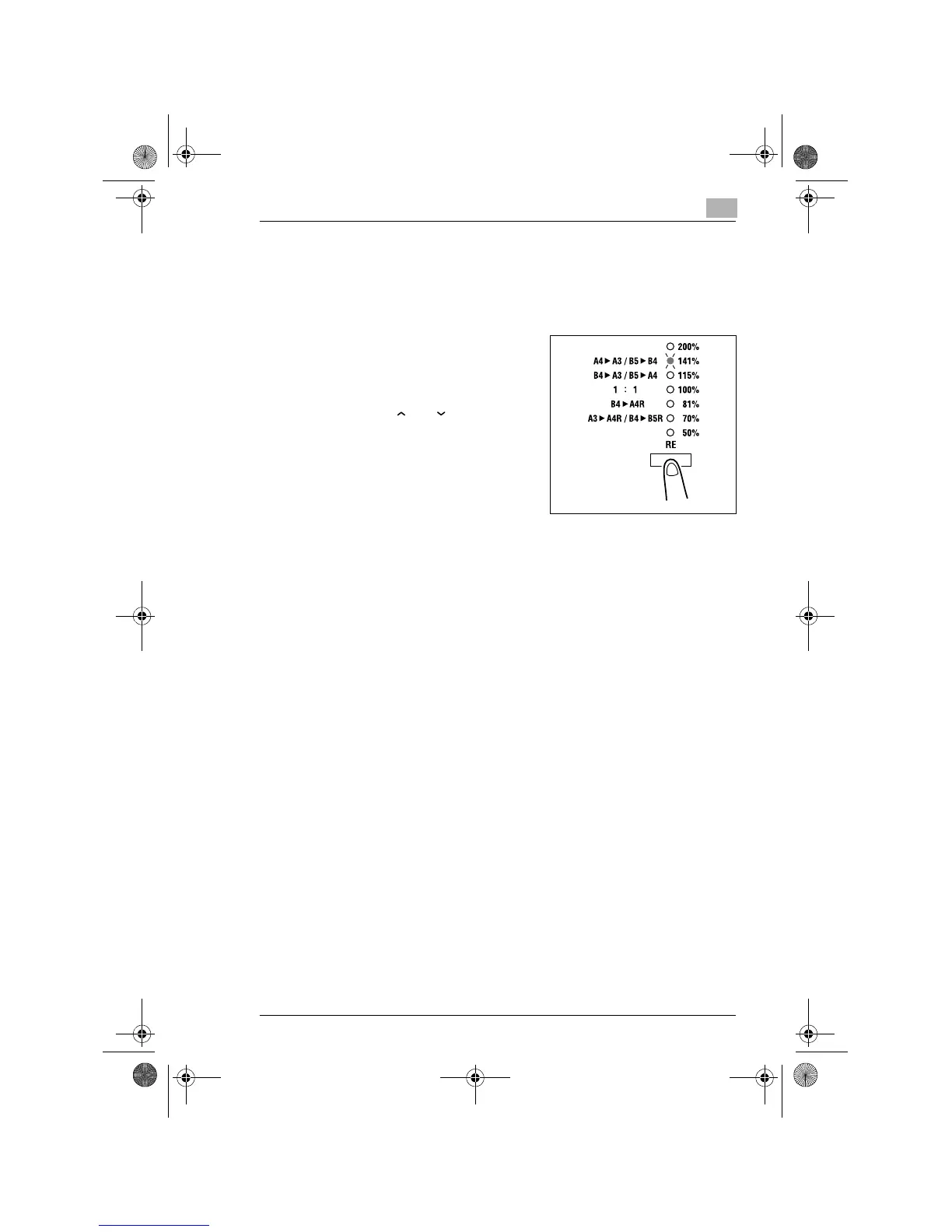
Press the [RE] key on the control
panel until the desired zoom ratio
indicator lights.
❍
To set a custom zoom ratio,
press [ ] or [ ] key to reach
the desired ratio. Pressing this
key changes the ratio in 1%
increments.
3
Make any other necessary settings.
❍
Paper (p.5-3)
❍
Image Density (p.5-16)
4
Enter the number of copies to be made from the Key Pad and then
press the [START] key.
Konica7115_7118.book Page 13 Tuesday, October 16, 2001 10:51 AM



 To Next Page