Making Copies
5
5-15
5
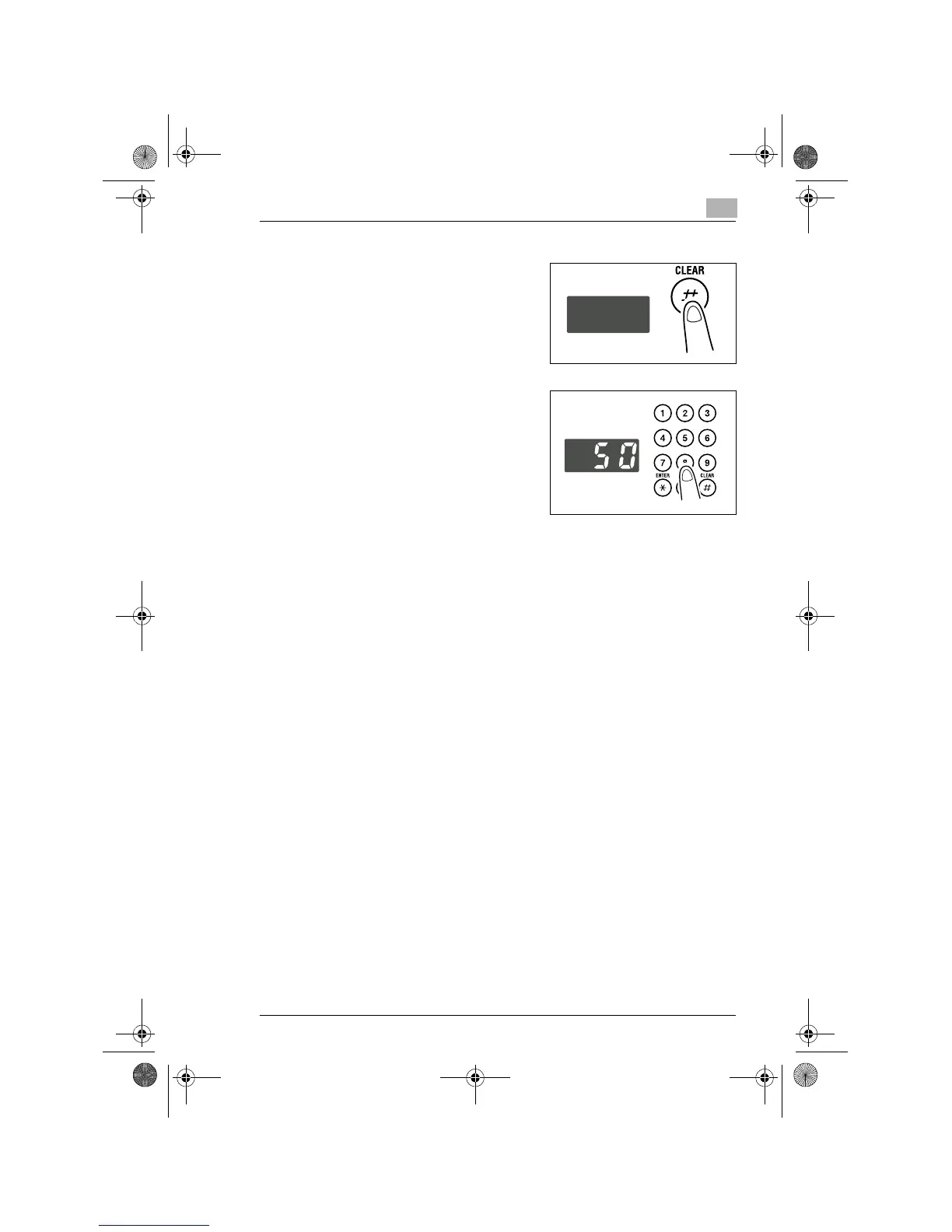
Press the [CLEAR] key to clear the
old value for Y (width).
6
Enter the zoom ratio (%) for Y
(width) from the Key Pad and then
press the [ENTER] key.
?
Do you know the range for the
value Y in X/Y Zoom?
➜
The ratio can range from 50% to
100%.
7
Make any other necessary settings.
❍
Image Density (p.5-16)
8
Enter the number of copies to be made from the Key Pad and then
press the [START] key.
Konica7115_7118.book Page 15 Tuesday, October 16, 2001 10:51 AM



 To Next Page