Created by Hotline Support
Konica Minolta Hotline Support (UK)
2
CONTENTS
Scanning Tips & Tricks Page 3
Phase 3 onward Machines - With the Emperon Controller
C250/C252/C300/C351/C352/C450
Scan to HDD Page 4
Scan to E-mail Page 6
Scan to FTP Page 8
Scan to SMB Page 9
Phase 3 onward Machines – C450/C351/C300/C352
With the Fiery Controllers IC-402 V2.01 & IC406 V1.01
Scan to HDD Page 10
Scan to E-mail Page 12
Scan to FTP Page 14
Scan to SMB (same as Emperon) Page 15
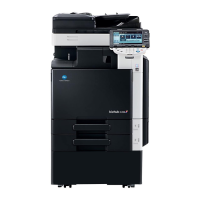
C203/C253/C353/C451/C550/C650 with Emperon Controller
Scan to HDD Page 16
Scan to E-mail Page 18
Scan to FTP Page 20
Scan to SMB Page 21
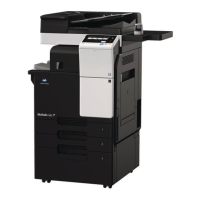
C253/C353/C451/C550/C650 with the Fiery IC-409
Configuration 1 Page 22
Configuration 2 Page 24
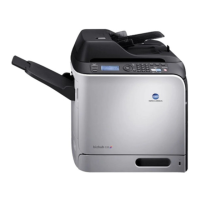
Bizhub C10
Scan to E-mail Page 25
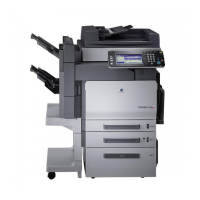
C350 with the Embedded Controller
Scan to HDD Page 27
Scan to E-mail Page 29
Scan to FTP Page 31
C350 with the Fiery IC-401
Scan to HDD Page 33
Scan to E-mail Page 35
Scan to FTP Page 37
C200 lite
Scan to Email Page 38







 To Next Page