Created by Hotline Support
Konica Minolta Hotline Support (UK)
38
Bizhub C200 lite
SCAN TO E-MAIL
These Settings can only be configured at the Machine.
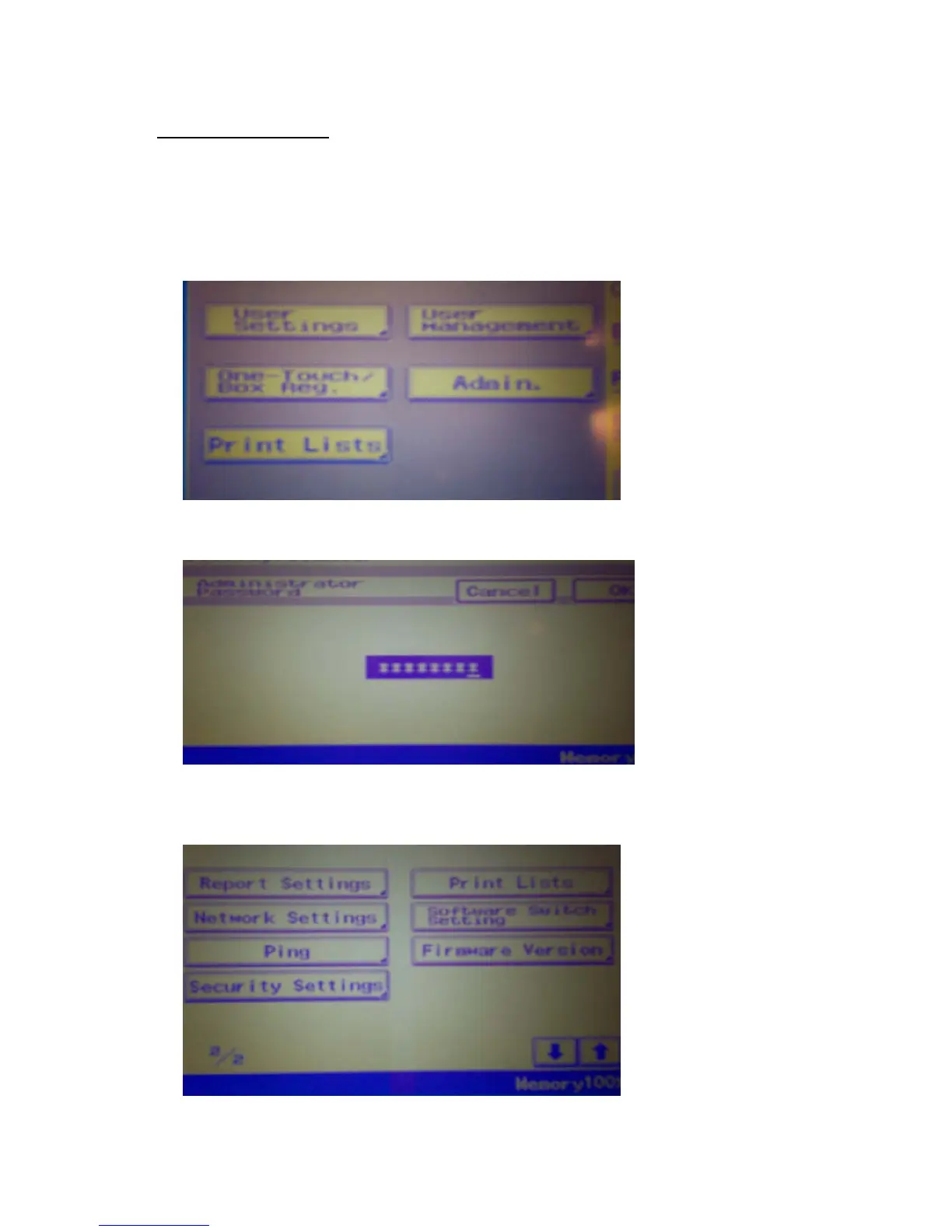
1. Press “Utility/Counter”
2. Press “Admin”
3. Enter Admin Code, Default =12345678
4. Scroll to Screen 2/2 and Press “Network Settings”







 To Next Page