Created by Hotline Support
Konica Minolta Hotline Support (UK)
33
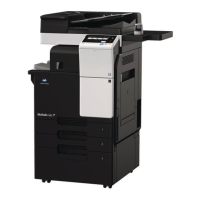
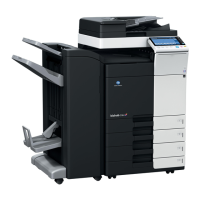
C350 with the Fiery IC-401
SCAN TO HDD
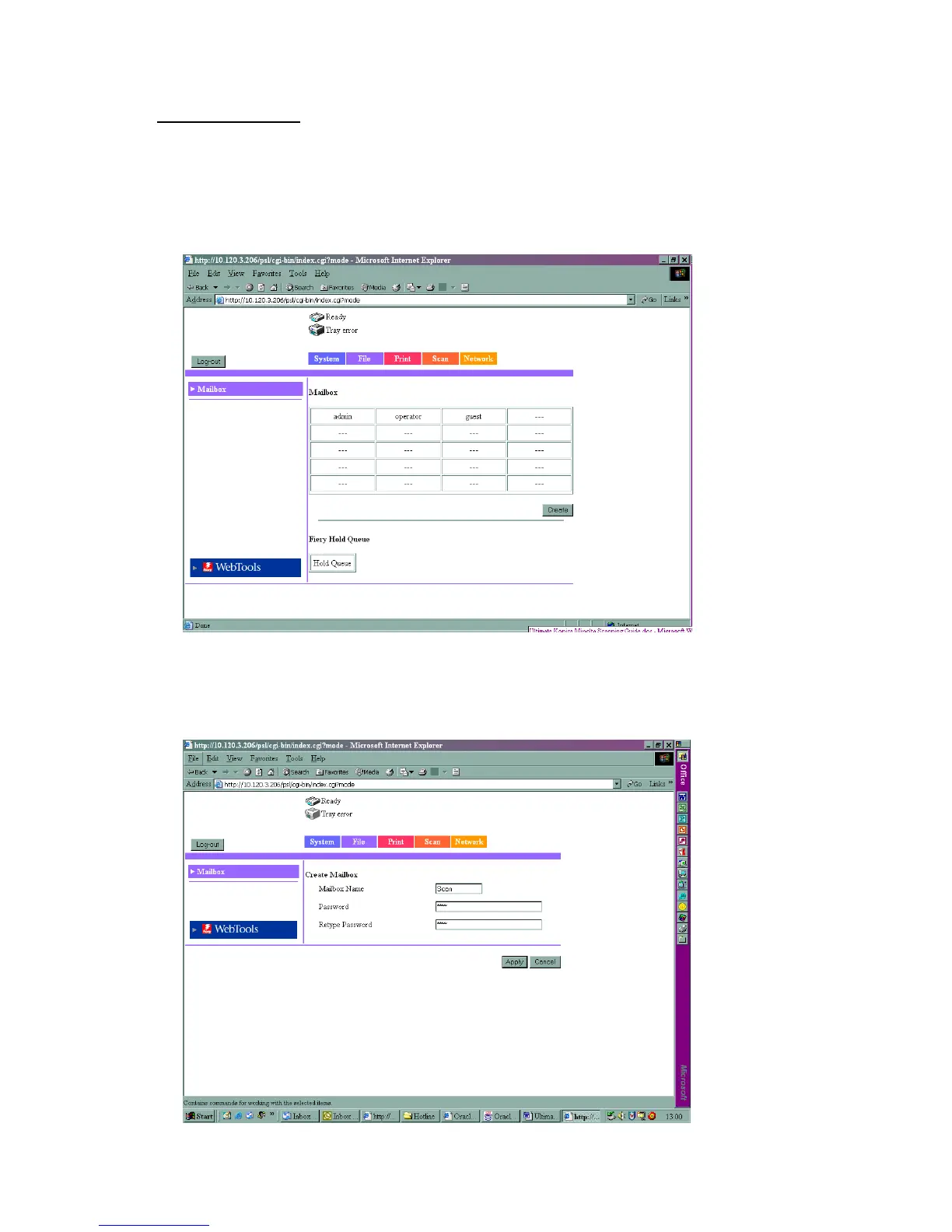
1) Using Internet Explorer, type the IP address of the machine into the
address bar and press Go
2) Enter the Admin Password of four zeros in and click on with your mouse
3) Click on File at the top of the screen
4) Click on Create
5) Type in a Mailbox Name and a password
6) Click Apply







 To Next Page