15
WARNING
The CM-3700A should not be operated if the CM-3700A or the AC adapter is damaged, or smoke
or strange odors occur. Doing so may result in a fire. In such situations, turn the power OFF
immediately, disconnect the AC adapter from the AC outlet, and contact the nearest Konica Minolta-
authorized service facility.
Turning Power ON and OFF
Procedure
1.
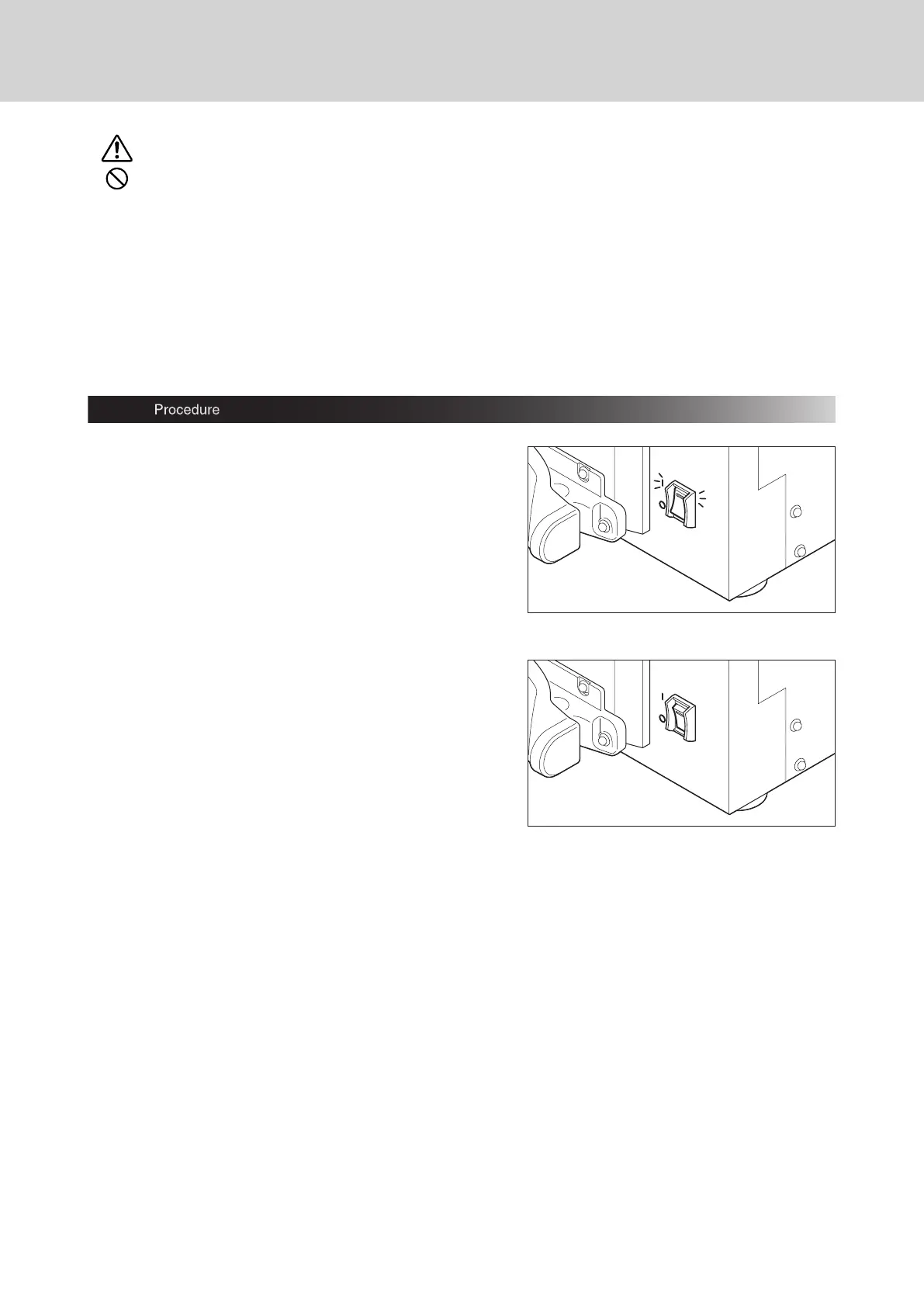
To turn the power ON and to light the lamp on
the power switch, set the power switch to ON
(“ I “) .
2.
To turn the power OFF, set the power switch
to OFF (“
“).














 To Next Page