28
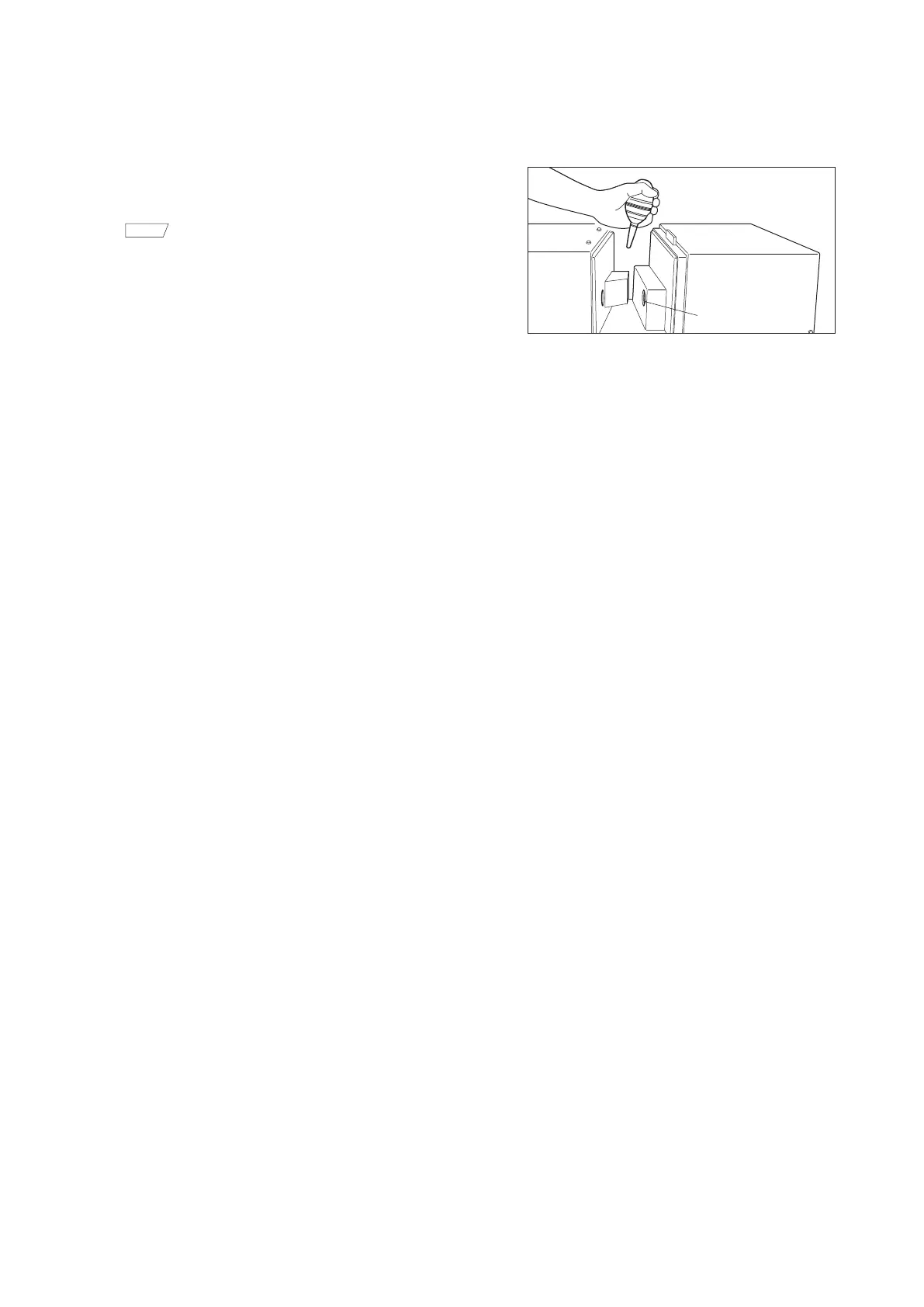
Receiving Window
1.
Set the measurement area to SAV using your
software.
Memo
• This will cause the lens to move closer to the
receiving window, making it easier to clean.
2.
Use a blower to remove dirt and dust from the
receiving window.
{
Do not put your fingers into the receiving window or
touch any optical lenses.
Receiving window














 To Next Page