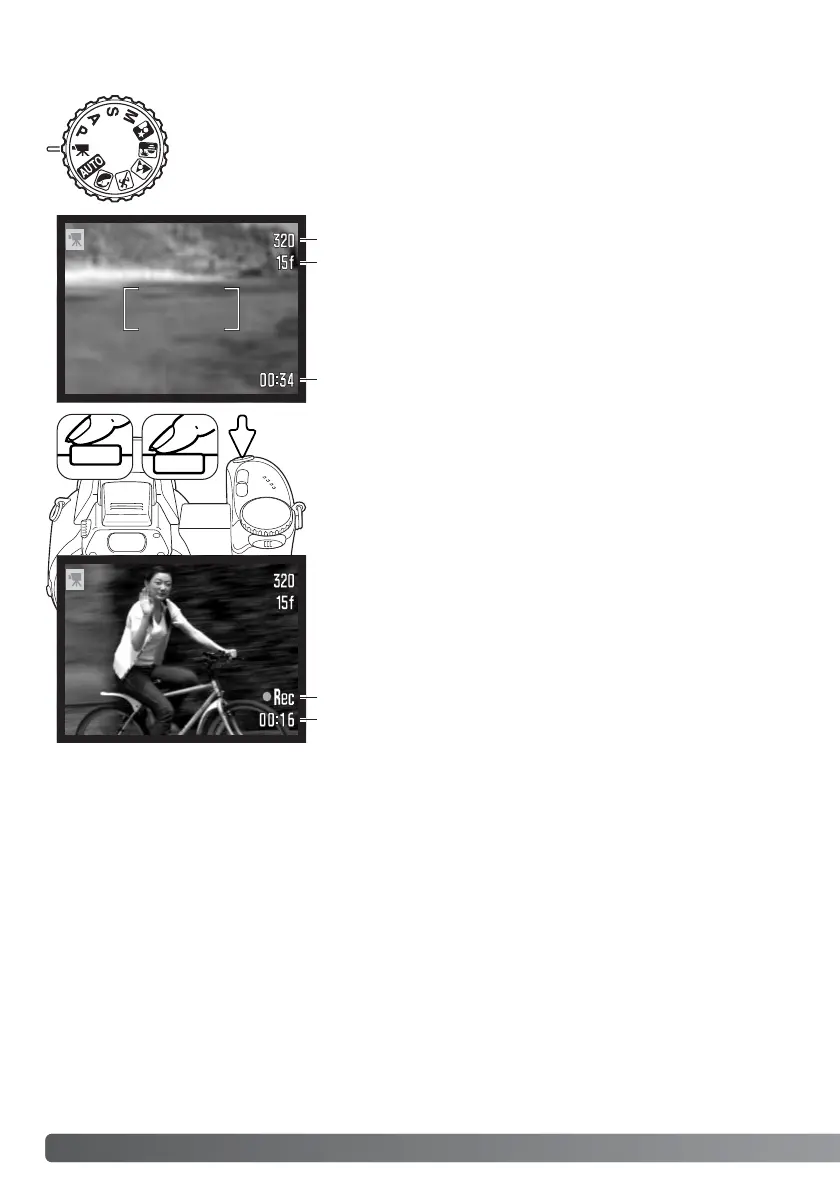
Before recording, the frame counter shows the maximum time
in seconds that can be recorded on the next movie clip.
40
A
DVANCED RECORDING
Recording time
Frame the picture as described in the basic recording operation
section (p. 22). Press the shutter-release button partway down
to set the the focus and exposure. Press the shutter-release
button all the way down and release to start recording.
Recording indicator
Remaining time
Movie recording
The camera continues to focus during recording. The camera
will continue to record until the recording time is used or the
shutter-release button is pressed again.
Image size
This camera can record digital video with sound. Total recording time varies with
the image size and frame rate, see page 66. Exposure compensation and the
macro modes can be used. Other changes can be made with the movie recording
menu (p. 44).
Frame rate



 To Next Page
 Loading...










