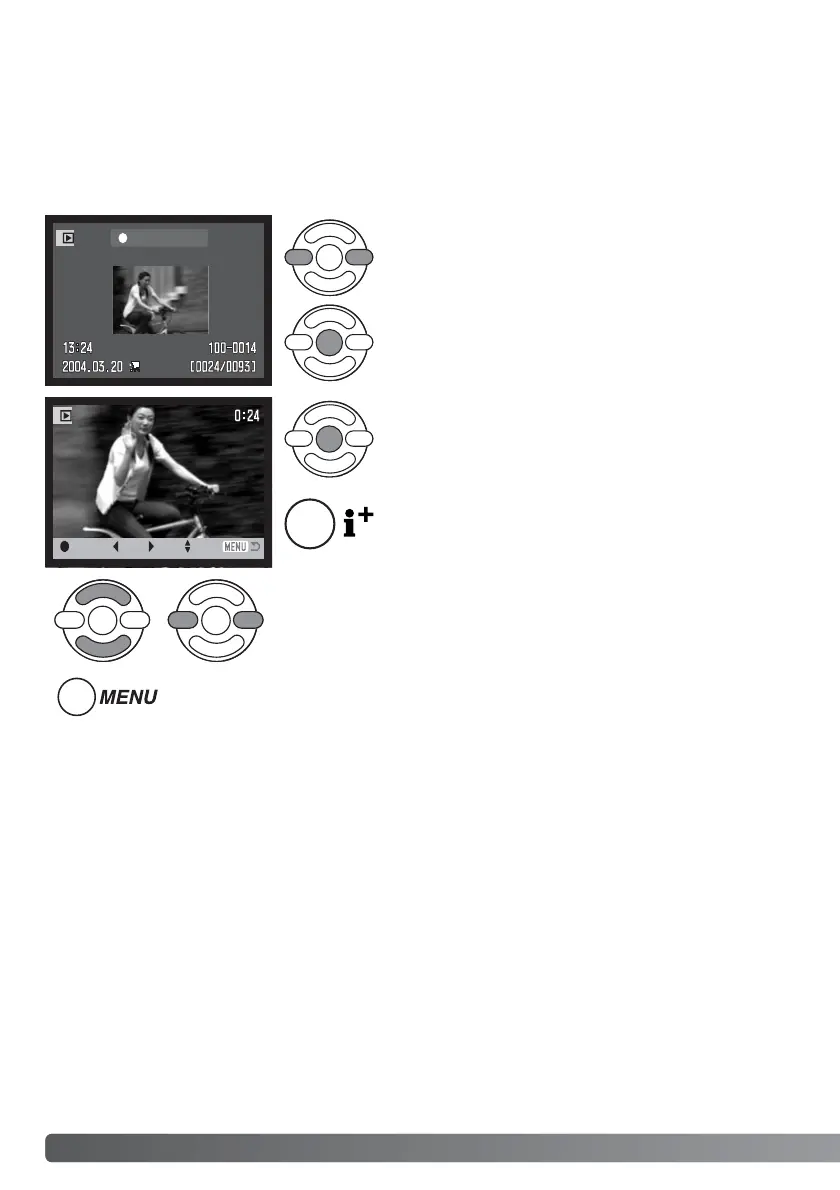
Press the controller to pause the movie playback;
press the controller again to resume the playback.
70
A
DVANCED PLAYBACK
Use the left/right keys of the controller to display the
movie.
Press the center of the controller to play back the
movie clip.
Playing back movies
ADVANCED PLAYBACK
Press the display button to view the movie with or
without the guidance bar.
During playback, the up/down keys adjust the volume and the
left/right keys rewind and fast forward the recording.
The basic functions in this mode are described in the basic playback section on pages 30 through
33. This section covers how to playback movie clips as well as the advanced function on the play-
back menu. Movie clips can be played back in Quick View.
To cancel the playback, press the menu button.



 To Next Page
 Loading...










