91
Lens accessory
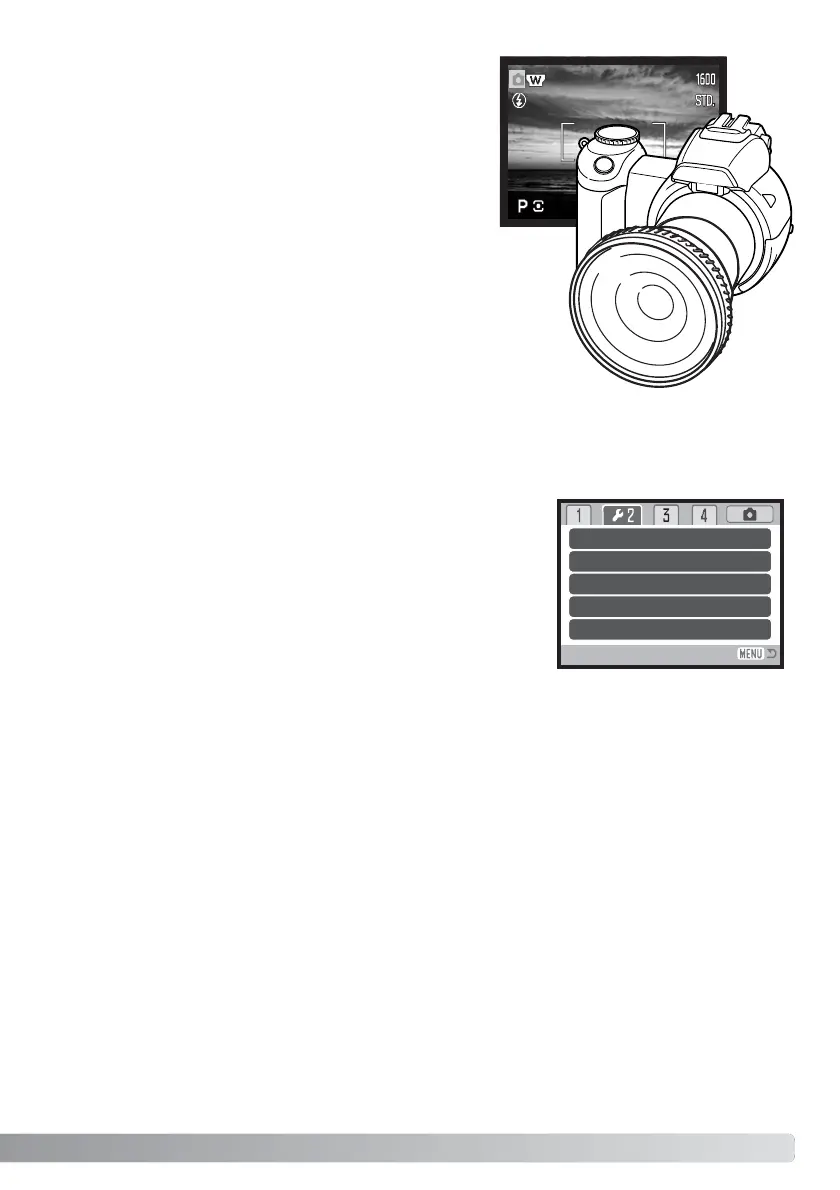
This camera is compatible with the optional Wide
Converter Kit ZCW-100. This kit contains a 0.75X wide-
angle converter, which reduces the focal length of the
zoom lens’ wide-angle position giving it the equivalent of a
28mm lens on a 35mm camera.
When the converter is mounted, the lens accessory option
in section 1 of the setup menu should be set to
“WideConvertr.” An indicator (W) appears in the top left
corner of the monitor as a warning. The optical zoom is
automatically set to the wide-angle position. The optical
zoom and Super Macro are disabled.
Language
The language used in the menus can be changed in section 1 of the setup menu.
If file number memory is selected, when a new folder is created or
a new memory card is used, the next image recorded will have a
file number one greater than the last file saved. If the new card
contains an image with a greater file number. the new image will
be assigned a file number one greater than the greatest on the
card. If the file number memory is disabled, the image file number
is reset to 0001 when saved in a new folder or card. File number
memory is activated in section 2 of the setup menu.
File number (#) memory



 To Next Page
 Loading...










