95
p. 82Playback (Slide Show) All frames
p. 82Duration (Slide Show) 5 seconds
p. 82Repeat (Slide Show) No
Playback menu
p. 96Volume 2
p. 90Auto-power-save period 1 minute
p. 91Lens accessory None
p. 91File number (#) memory Off
p. 92Folder name Standard
p. 95Audio signals 1
p. 90LCD Brightness Normal
p. 90Instant playback Off
Setup menu
p. 96Shutter FX 1
p. 85Index print No
p. 80Image size (E-mail copy) 640 X 480
p. 85Date print Off
p. 93
Noise reduction On
Date imprinting Off
p. 92
p. 96Focus signals 1
p. 96Transfer mode Data storage
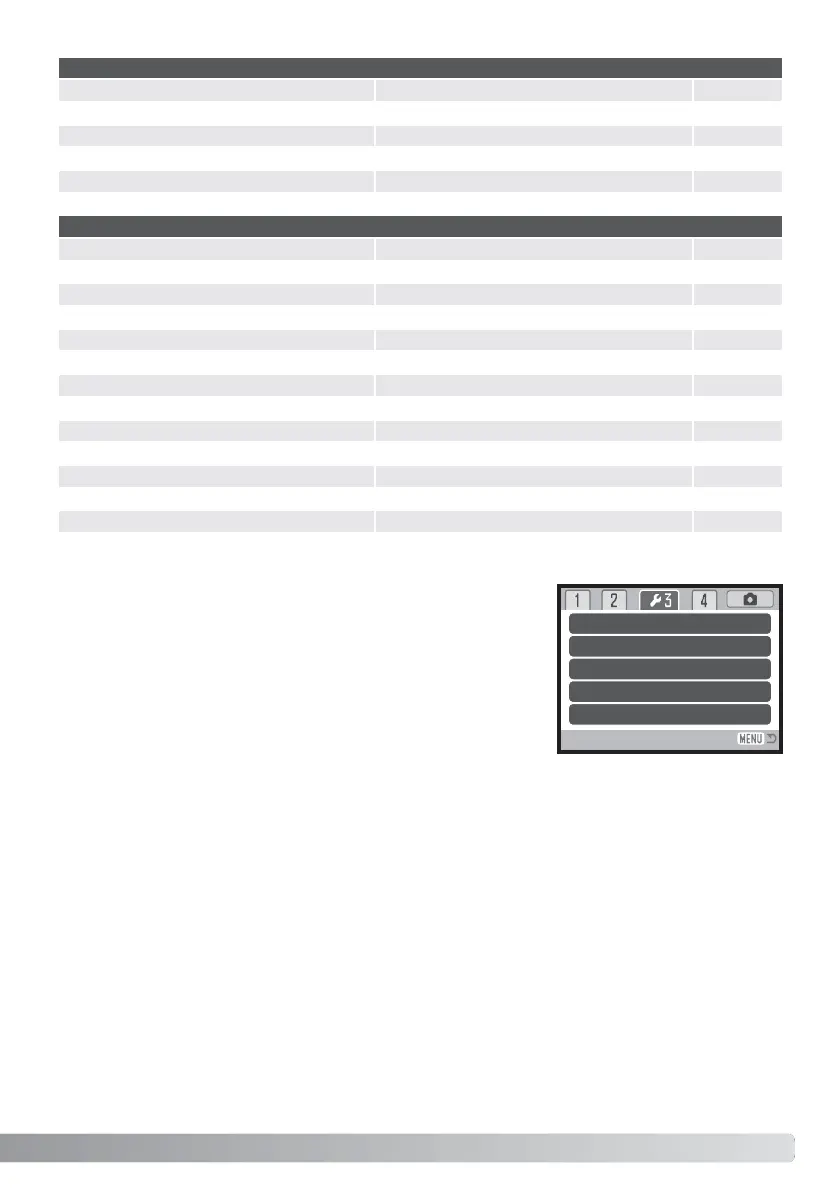
Audio signals
Every time a button is pressed, an audio signal gives a positive
confirmation of the operation. The audio signals can be turn off in
section 3 of the setup menu (p. 88). The tone of the signal can also
be changed; signal 1 is electrical and signal 2 is mechanical.
Reset default
Audio signals
Volume
–
1
1
1
2
Shutter FX
Focus signal



 To Next Page
 Loading...










