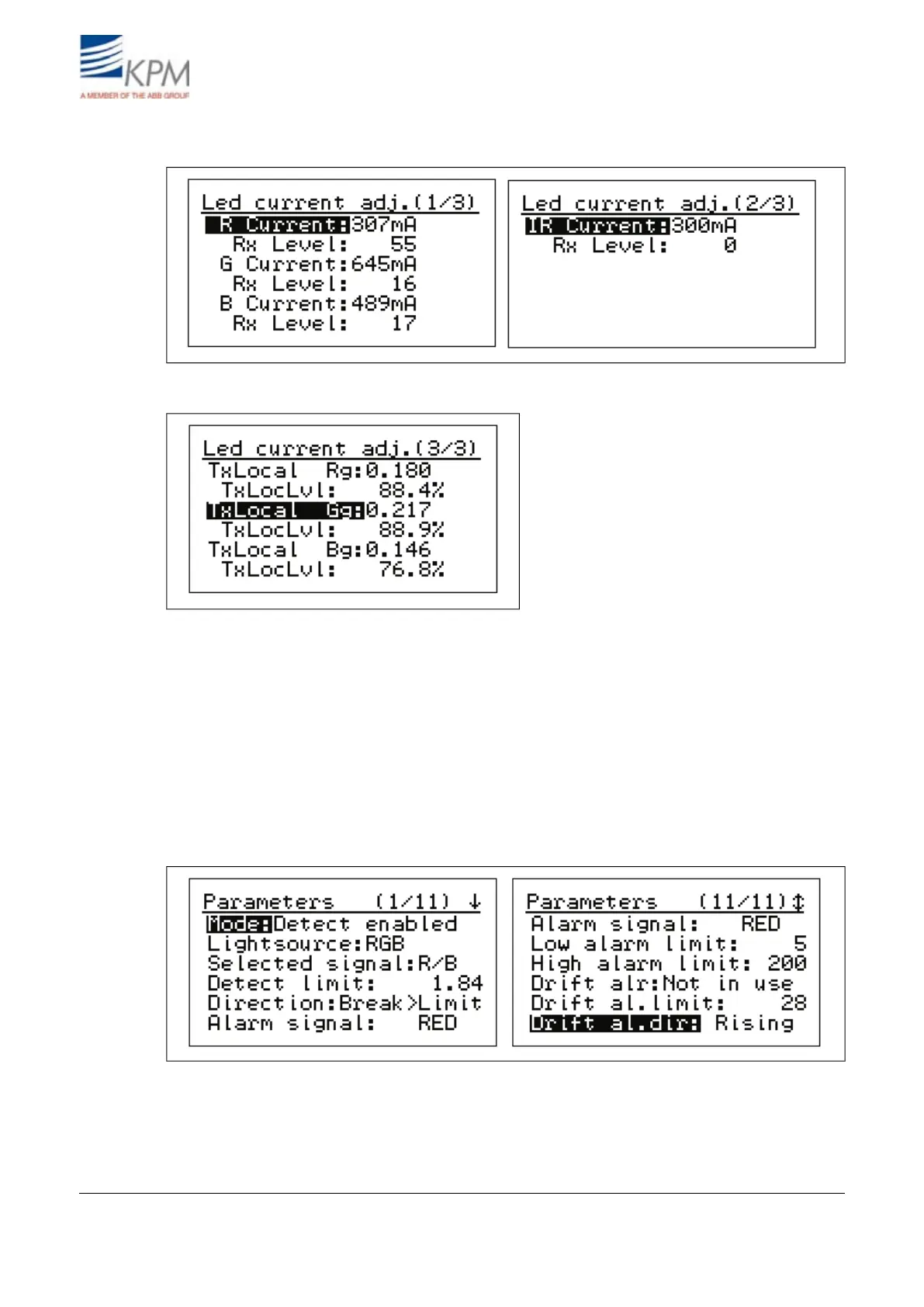
Led current adj(ustment):
Fig. 4.18. LED current adjustment, pages 1 and 2.
Fig. 4.19. Tx local values, indicate LED light intensity level.
USB comm(unication) mode: Select commumication port mode: ScrShot/Normal.
Analog output trim: KB sends in the edit mode 4 and 20 mA in turn to the selected analog output.
With S (gain) and Z (zero offset) the output can be trimmed to correspond 20 mA (gain) and 4 mA
(zero).
4.5. Parameters
The "Parameters" display contains normally needed parameters, and they can be modified in this
display.
Fig. 4.20. Parameters display.
KB² Man W41100099V1.220August 2012


 To Next Page