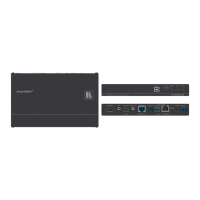
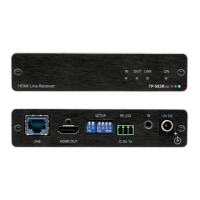
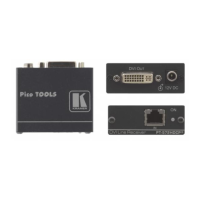
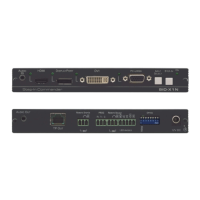
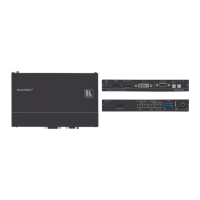
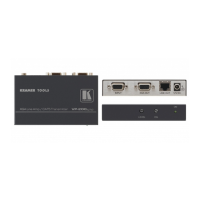
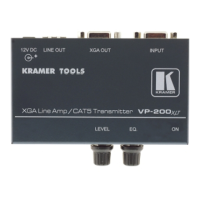
Your TP-125EDID XGA / Audio / Data Line Transmitter
15
The S/PDIF Audio OUT RCA connector to a digital AV Receiver
(leave the ANALOG Audio OUT 3.5mm mini jack unconnected)
An RS-232 cable with a 3-pin terminal block connector at one end to
the TP-126 RS-232 port
2
, and a 9-PIN D-SUB connector at the other
end to the RS-232 port on the AV display system
3. Connect the Line OUT RJ-45 connector on the TP-125EDID to the LINE
IN RJ-45 connector on the TP-126, via CAT 5 cabling
1
4. Connect the 12V DC power supply to the power socket and connect the
adapter to the mains electricity on both the TP-125EDID and the TP-126.
(with a range of
more than 300ft (>100m)).
5. On the TP-126:
Adjust the video output signal level and/or cable compensation
equalization level with a screwdriver, if required
If necessary, set the H SYNC and V SYNC switches
2
, on the
underside
Figure 7: Connecting the TP-125EDID XGA / Audio / Data Line Transmitter
1 For details of how to wire a CAT 5 LINE IN / LINE OUT RJ-45 connector, see section 8
2 By default, both switches are set down (for negative V SYNC and H SYNC polarity)



 To Next Page