
 Need help?
Do you have a question about the Kramer VP-311DVI and is the answer not in the manual?
Guidance on unpacking and reviewing the user manual for initial setup.
Defines technical terms used throughout the user manual.
Describes the machine set-up and dipswitch selection for operation modes.
Explains how to connect contact closure pins for remote control operations.
Instructions for connecting and controlling the unit via RS-232 from a PC.
Details on connecting and controlling the unit using the Ethernet interface.
Steps for configuring the Ethernet port settings for network control.
 General
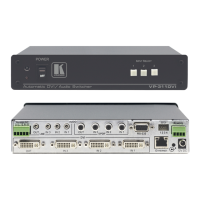
| Type | DVI Switch |
|---|---|
| Model | VP-311DVI |
| Number of Inputs | 3 |
| Number of Outputs | 1 |
| Max Resolution | 1920x1200 |
| Compliance with DVI Standard | DVI 1.0 |
| Power Supply | 5V DC |
| Accessories | 5V DC power supply |
| Max. Data Rate | 4.95 Gbps |
| Switching Time | Less than 1 second |
| Control | Manual |
| Input Ports | 3 DVI-D on DVI Connectors |
| Output Ports | 1 DVI-D on a DVI Connector |

 To Next Page










