Krautkramer DynaPOCKET Issue 03, 04/2005 3-3
Fundamental principles of operation Operation
3.2 Fundamental principles of
operation
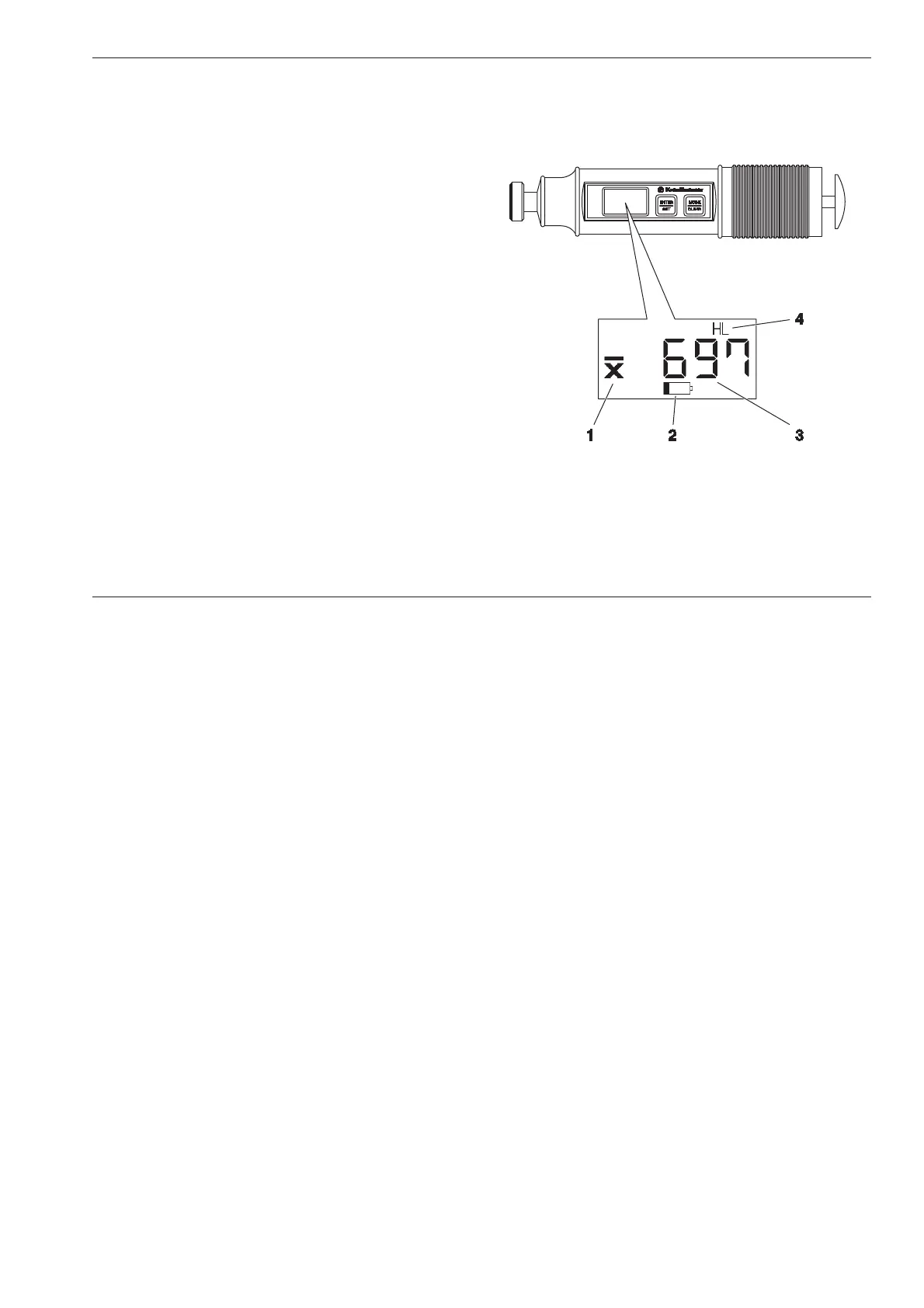
Display and keys
The display consists of the following areas:
1 Average
If you have selected the measurement set mode,
the icon for average value is displayed.
2 Battery
The battery voltage icon flashes to indicate that the
batteries require replacement.
3 Measured value
The measured hardness value (or the statistical
average with measurement sets) is shown in large
digits in the middle of the display. This area also
applies to other text displays when selecting default
settings, and for error codes.
4 Hardness scale
The selected hardness scale is displayed in the
area above or below the measured value.



 To Next Page