3-8 Issue 03, 04/2005 Krautkramer DynaPOCKET
Operation Selecting instrument settings
3.4 Selecting instrument settings
Setup mode
You can set various parameters for your work with the
DynaPOCKET. To do this, change over to the setup
mode first.
– If necessary, press one of the two keys to switch
the instrument on.
– Press the two keys simultaneously to select the
setup mode.
The first setup parameter is displayed:
– Press the MODE/CLEAR key to activate the next
parameter. After the last parameter, the instrument
exits the setup mode and returns to the measure-
ment display.
Measurement mode and display of
measured values
You can choose between single measurements and
measurement sets. In the case of single measurements,
the current individual value is displayed. Selecting mea-
surement sets, the arithmetic mean calculated on the
basis of consecutive readings is displayed.
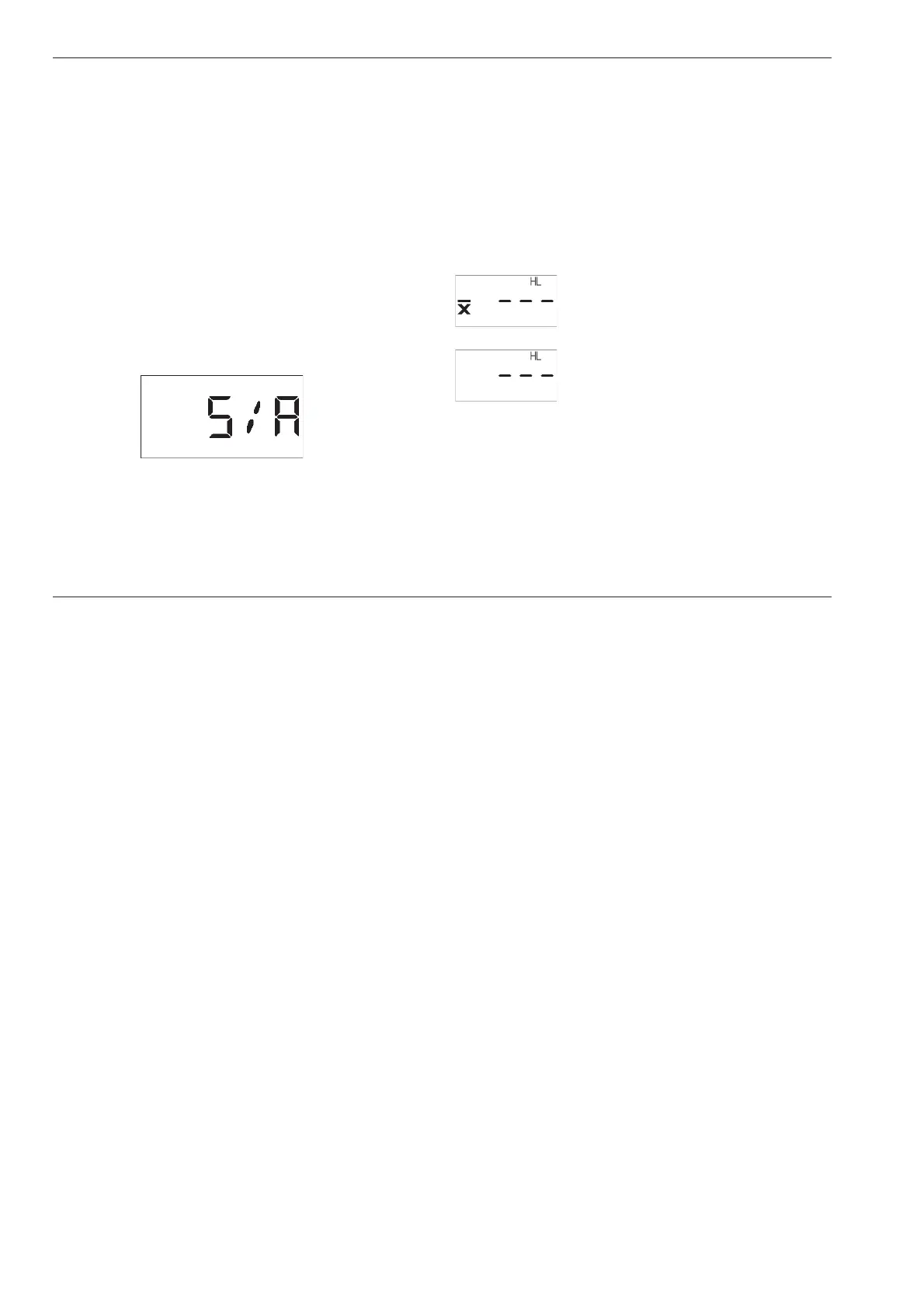
Setting options:
Measurement set with average display
Single measurement
– Activate setup mode and select the parameter S/A
with the MODE/CLEAR key.
– Press the ENTER/SET key in order to change the
current setting.
– Press the MODE/CLEAR key to confirm the se-
lected setting. Press the key again to exit the setup
mode and return to the measurement mode.



 To Next Page