Krautkramer DynaPOCKET Issue 03, 04/2005 3-5
OperationFundamental principles of operation
How to handle the impact device
Ensure the use of the propriate test attachment for
your application.
– Press either key to switch the instrument on.
– Place the DynaPOCKET with the test attachment on
a flat surface.
– Load the impact device by pressing the blue cylinder
down to the end stop and then moving it slowly back
to the initial position.
– Place the DynaPOCKET vertically on the test
surface.
– Use your thumb to press the release button.
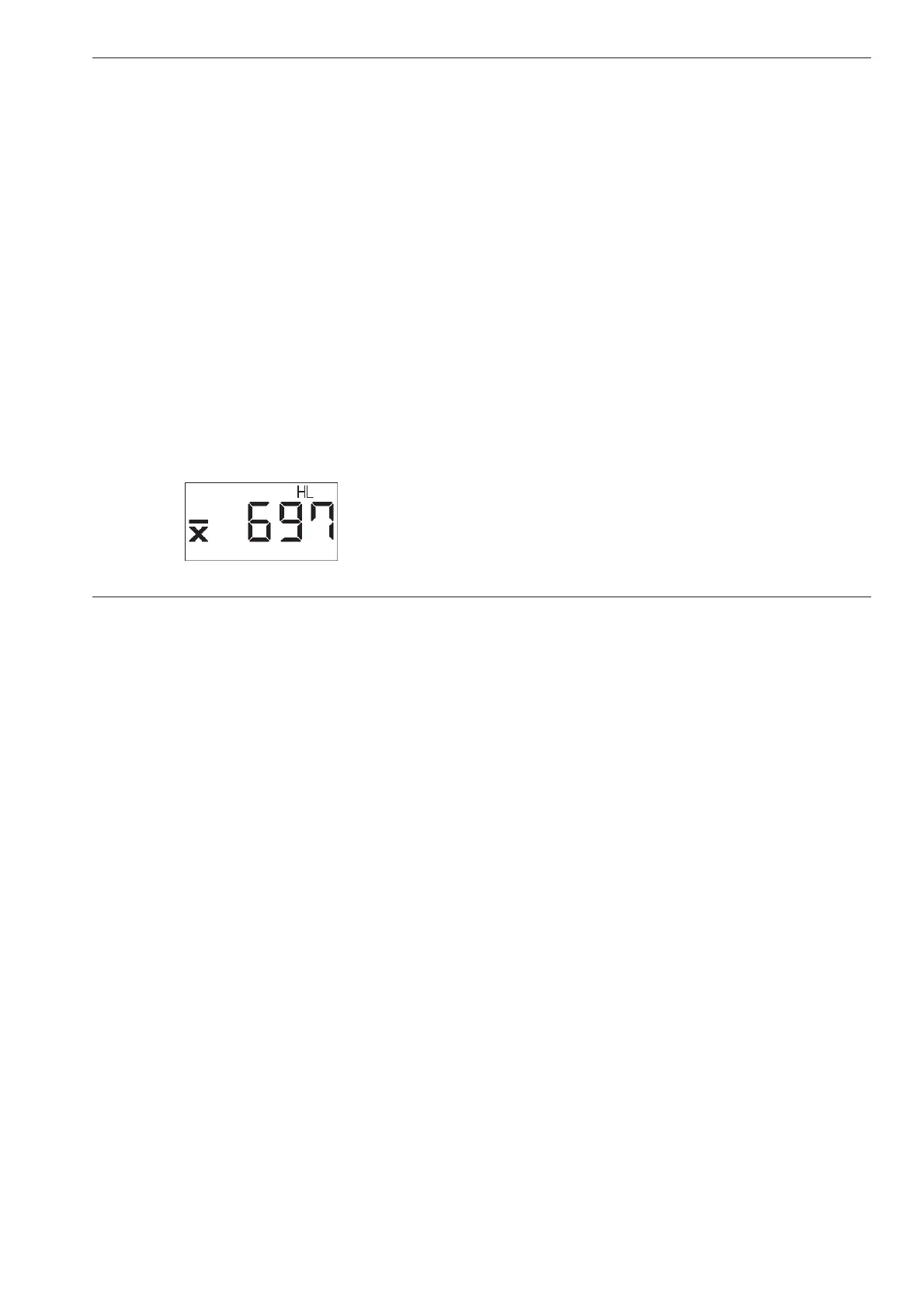
The measured value (or the statistical average) is
digitally displayed:
A Attention:
Do not load the impact device at the actual test loca-
tion but (due to surface hardening) at another location
(e.g. table or another part of the test object). After that,
place it at a new test position for another measure-
ment.
Do not perform two measurements at the same test
location, otherwise measuring errors may occur due to
surface hardening effects. Maintain a minimum spacing
of 3 mm.
The loading tube should not be pushed in (loading tube
must be at the farthest stop) when releasing for mea-
surement.
Test attachments Dyna 41 and Dyna 42
The test attachments Dyna 41 and Dyna 42, which you
use for a better positioning on curved surfaces, have a
special geometry for use on cylindrical surfaces or
spherical surfaces (ref. chapter 2).



 To Next Page