SETUP
ATTENTION
!
The cord manager may have to be temporarily
removed when installing other accessories.
2
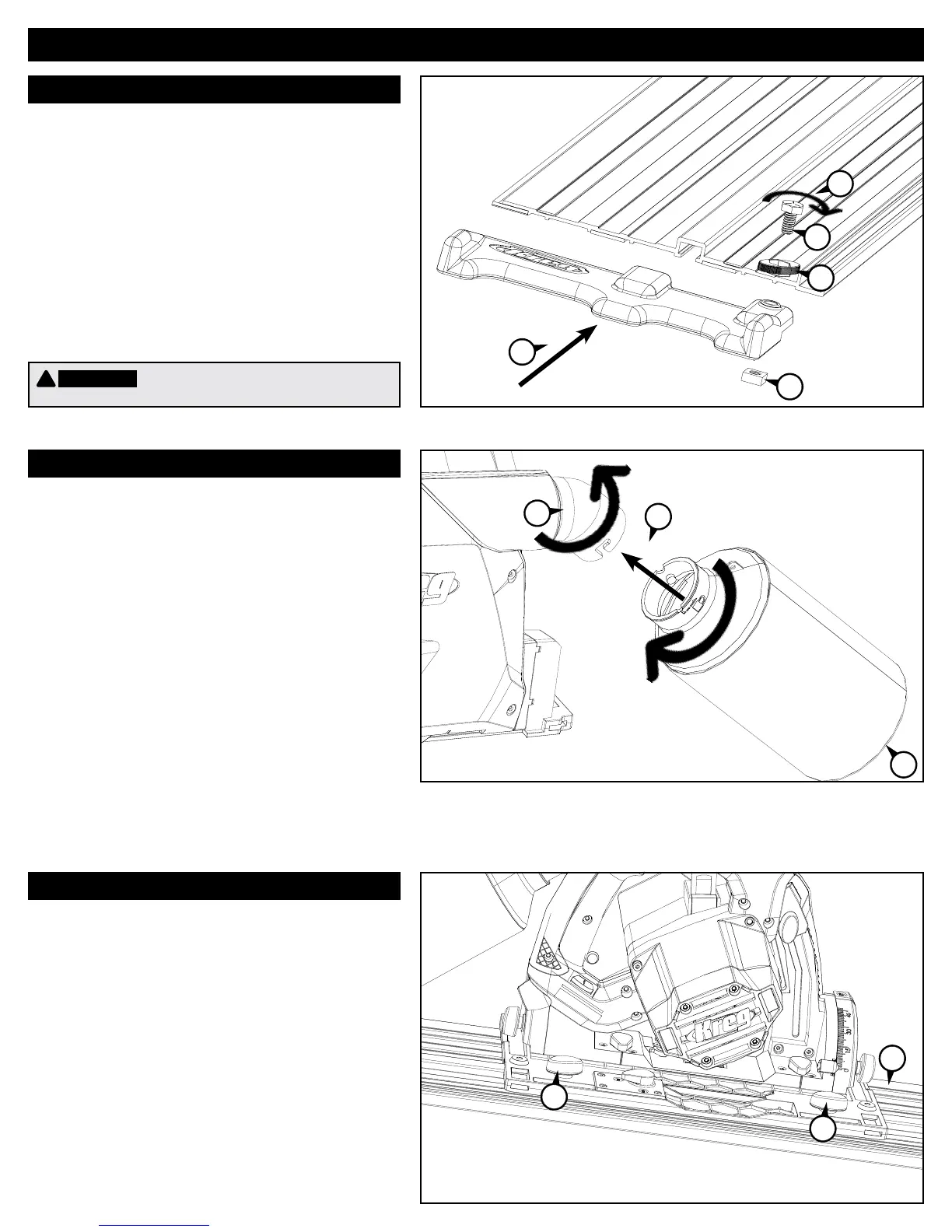
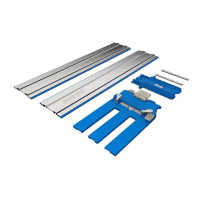
Cord Manager
Dust Collection
Adjust Tracking
Installedontheinfeedendoftheguide
track,thecordmanagerpreventsthepower
cordandvacuumhosefromcatchingonthe
end of the track.
(1)Installthehexbolt,knob,andsquarenut
onthecordmanager.
(2) Slide the assembly onto the infeed end of
theguidetrack,slippingthesquarenut
intothetrackT-slot.
(3)Tightenknob.
(1)Alignthelargelugondustbagwiththe
largeslotonthedustport,pushonthe
dustbagandtwisttolock.The1.575”
[40mm]outsidediameter,1.378”[35mm]
inside diameter dust port also accepts a
vacuum hose.
(2)Rotatetheporttoorientthedustbag
or vacuum hose to the desired position.
(3)Toempty,removethedustbagand
unziptheend.
(1)Loosenthetrackingcontrollers.
(2)Placethesawontheguidetrack.
Tightenthetrackingcontrollersto
eliminateplaywhileallowingthesawto
slideontheguidetrackwithoutbinding.
3
2
1
1
1
2
1
3
1
1


 To Next Page