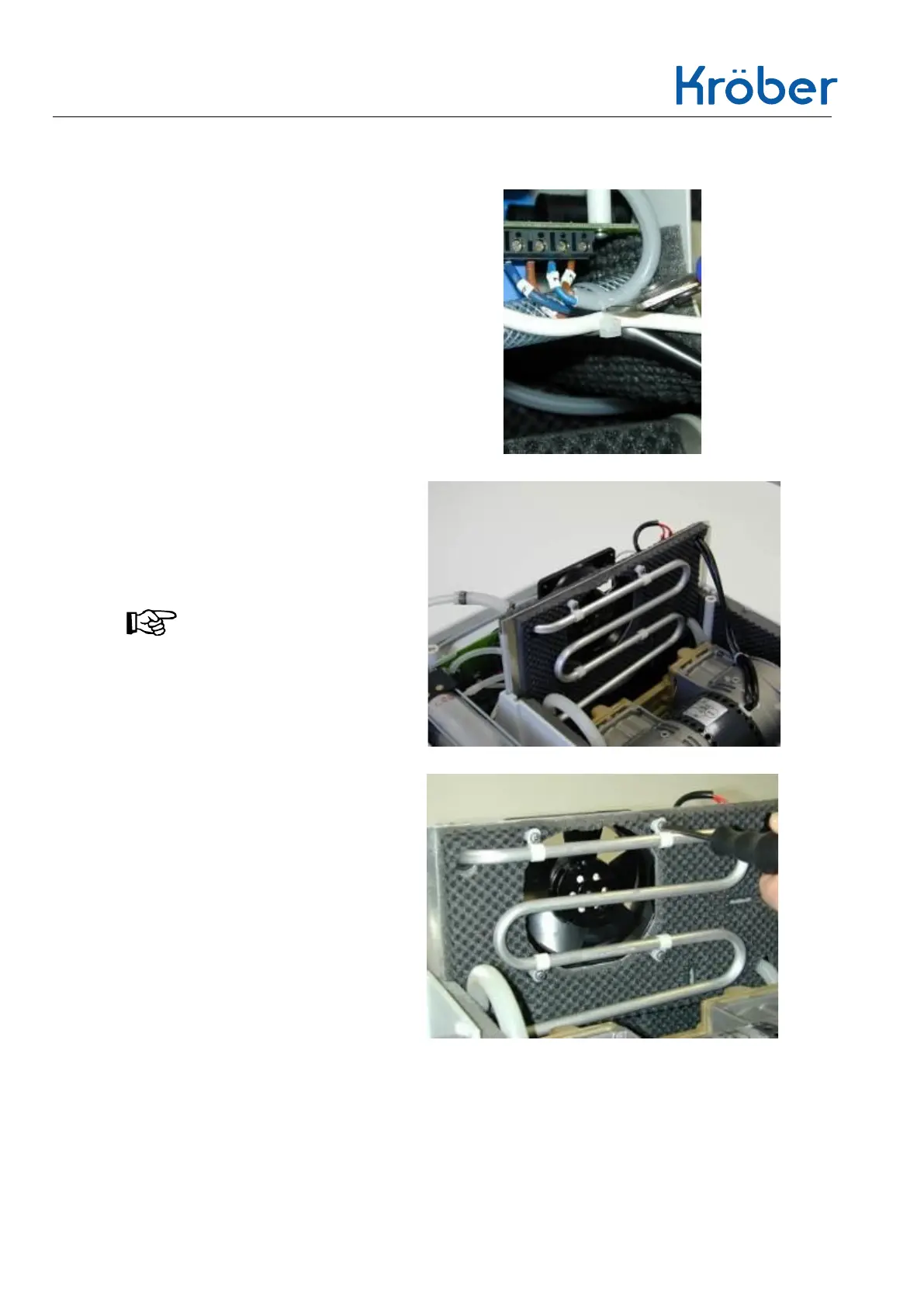
2. Loosen the cable tie on the
wiring harness of the terminal
strip, e.g. with a side cutter.
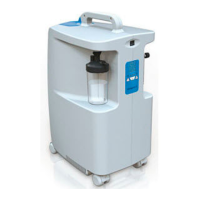
3. pull out the entire tray with fan
and cooling coil up to halfway.
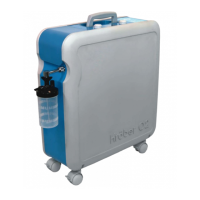
If necessary, detach EMC core
from cooling coil input with cable
tie beforehand.
NOTE!
If necessary, readjust the
compressor cable and thus relieve
the strain on it!


 To Next Page