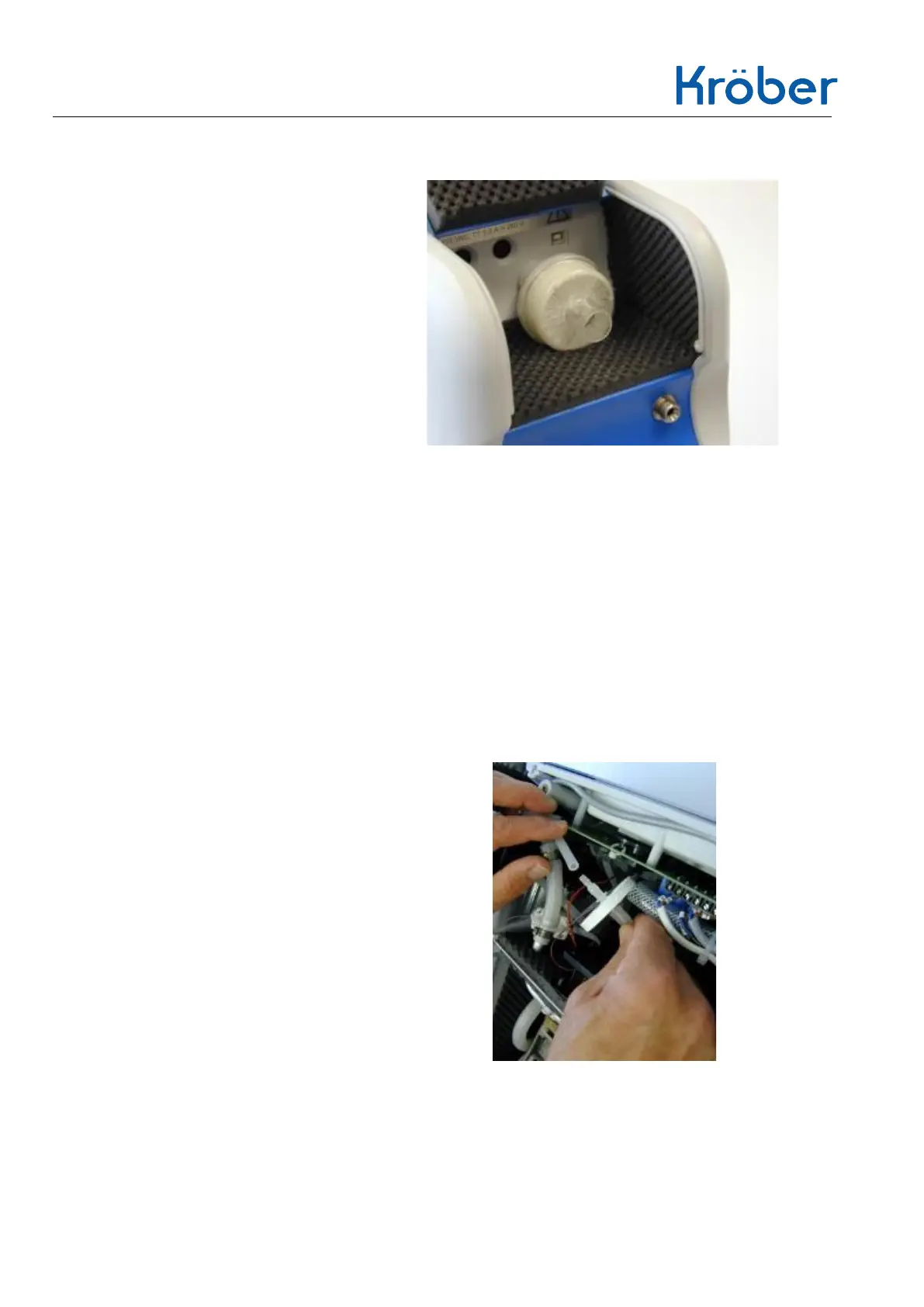
1. Opening the service hatch
2. Pull out the old filter while
rotating it slightly.
3. Dispose of the old filter.
4. Reinsert the new filter while
rotating it slightly.
5. Closing the service flap.
4.2.3 Device output filter (bacteria filter)
The instrument outlet filter is located inside the instrument before the gas outlet of the
instrument and filters particles >8µ.
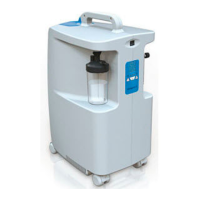
1. Opening the Kröber O2.
2. Pull off both silicone hoses on
the device outlet filter and
remove the old device outlet
filter.
3. Dispose of the old filter.


 To Next Page