page 18 Firmware update
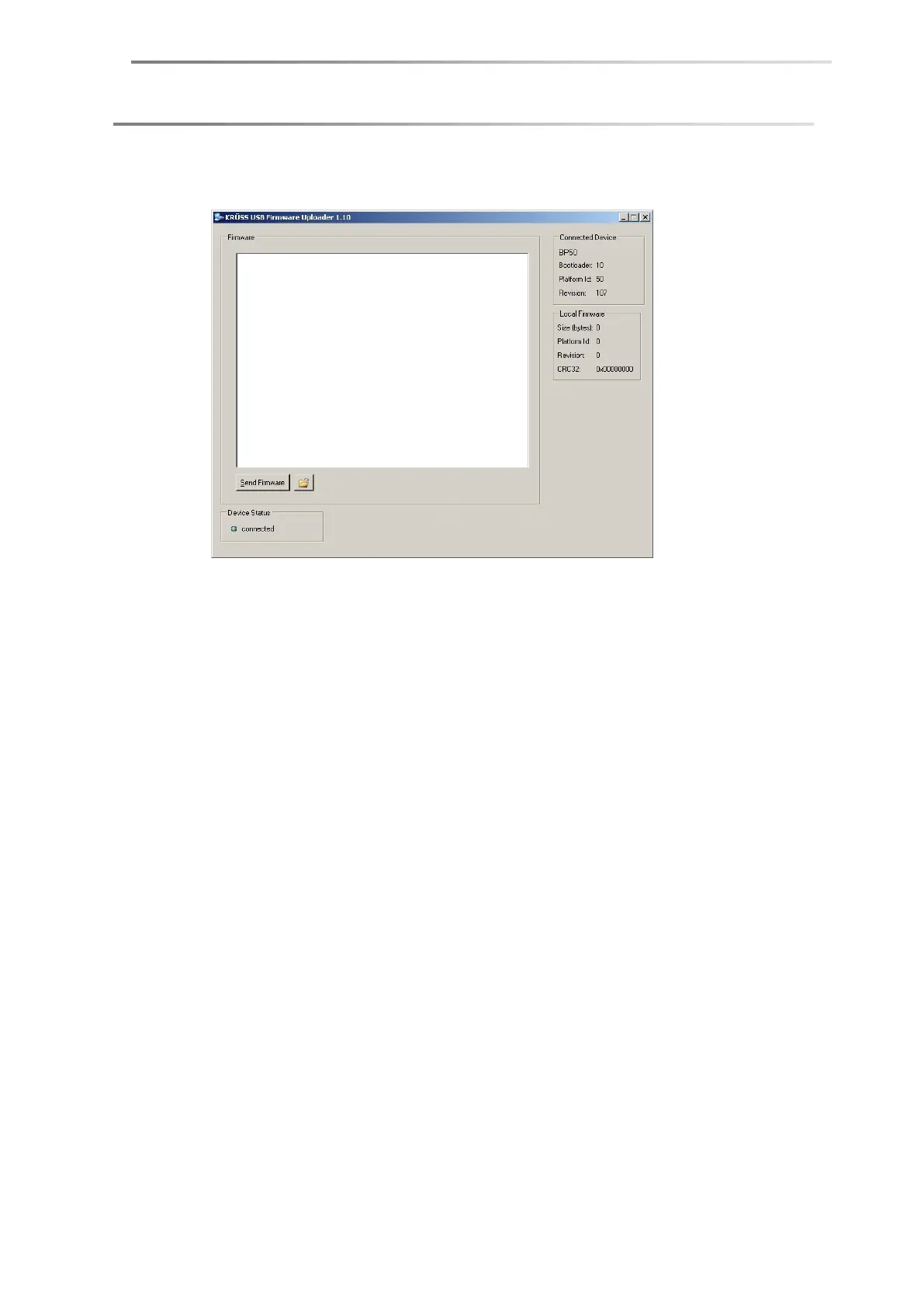
4. Start the KrussUSBFirmwareUploader.exe program, which will be found
amongst the extracted files.
Under Device Status the display connected should appear.
5. Click on the folder icon. Open the folder in which the extracted files are located.
Select the file bp50_fw_xxx.bin.
xxxx stands for the version number of the firmware specified in the file
name.
6. Click on the Send Firmware button. The new firmware will be uploaded.
7. At the end of the process, the message update done will appear. The BP50 will
be restarted.


 To Next Page