7 DISPLAY 31
401914-01
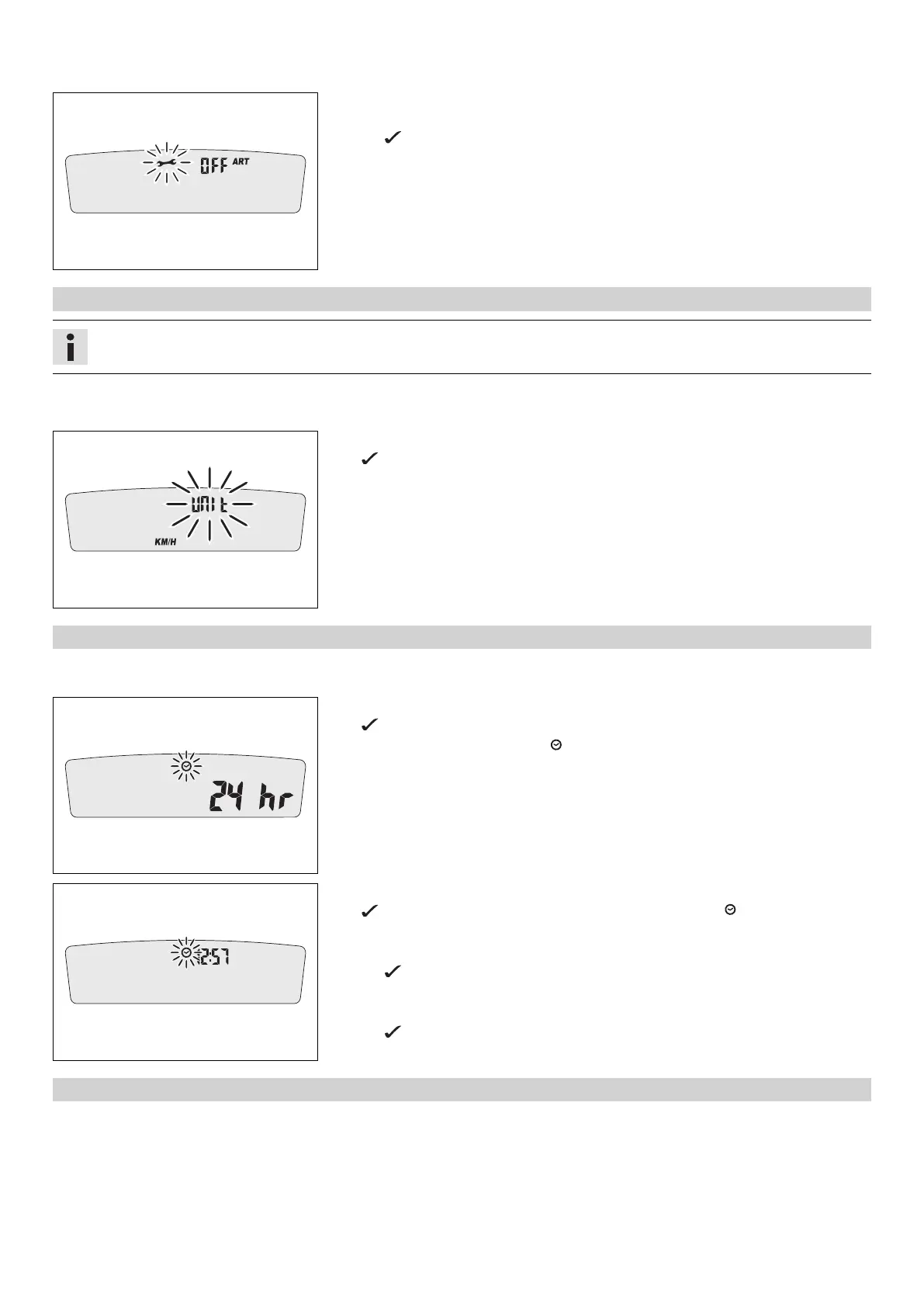
Switching off the service interval display
– Press and hold the left button.
The value decreases rapidly until off appears in the display.
7.3.5 Setting the kilometers or miles
Info
If the unit is changed, the value ODO is retained and converted accordingly.
Condition
The motorcycle is stationary.
401909-01
– Press both buttons for 3–5 seconds.
The Setup menu is displayed. The UNIT display flashes.
– Press one of the buttons to select UNIT for the speed in kilometers KM/H or miles
M/H.
7.3.6 Setting the clock
Condition
The motorcycle is stationary.
401911-01
– Press both buttons for 3–5 seconds.
The Setup menu is displayed. The UNIT display flashes.
– Wait for the menu of the clock to flash.
– Press one of the buttons to select the 24h or 12h display of the clock.
401912-01
– Wait for 5 seconds.
The speedometer changes to the next menu item. The symbol flashes.
Resetting the time
– Press the left button.
The value decreases.
Advancing the time
– Press the right button.
The value increases.
7.3.7 Setting the service display
Condition
The motorcycle is stationary.














 To Next Page