©2015 Spectrum Brands, Inc.
If programming is successful, the keypad will flash green once with
one beep.
If programming is unsuccessful, the keypad will ash red three times with
three beeps. Make sure to enter the same valid code in steps 5 and 7.
Make sure to enter a valid Mastercode in step 3.
9. While the door is open and locked, test the user code to make sure it
no longer unlocks the door.
1. Keep door open. Press the Program button once. The keypad will ash
green and you will hear three beeps.
2. Press Lock button once.
3. Enter Mastercode.
4. Press Lock button once.
5. Press “9” six times.
6. Press Lock button once.
Procedure continued on next page
©2015 Spectrum Brands, Inc.
61883 / 01
5 / 17
Technical Support
1-866-863-6584
www.kwikset.com
E
Deleting All User Codes with the Mastercode Enabled

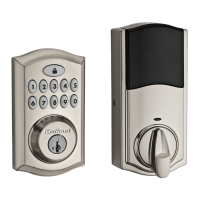

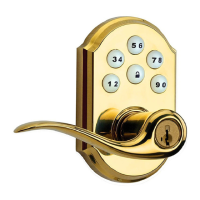
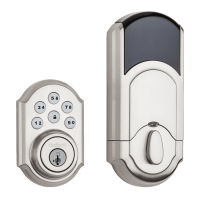
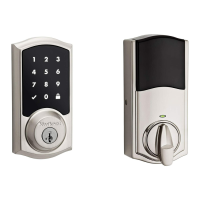


 To Next Page


