96
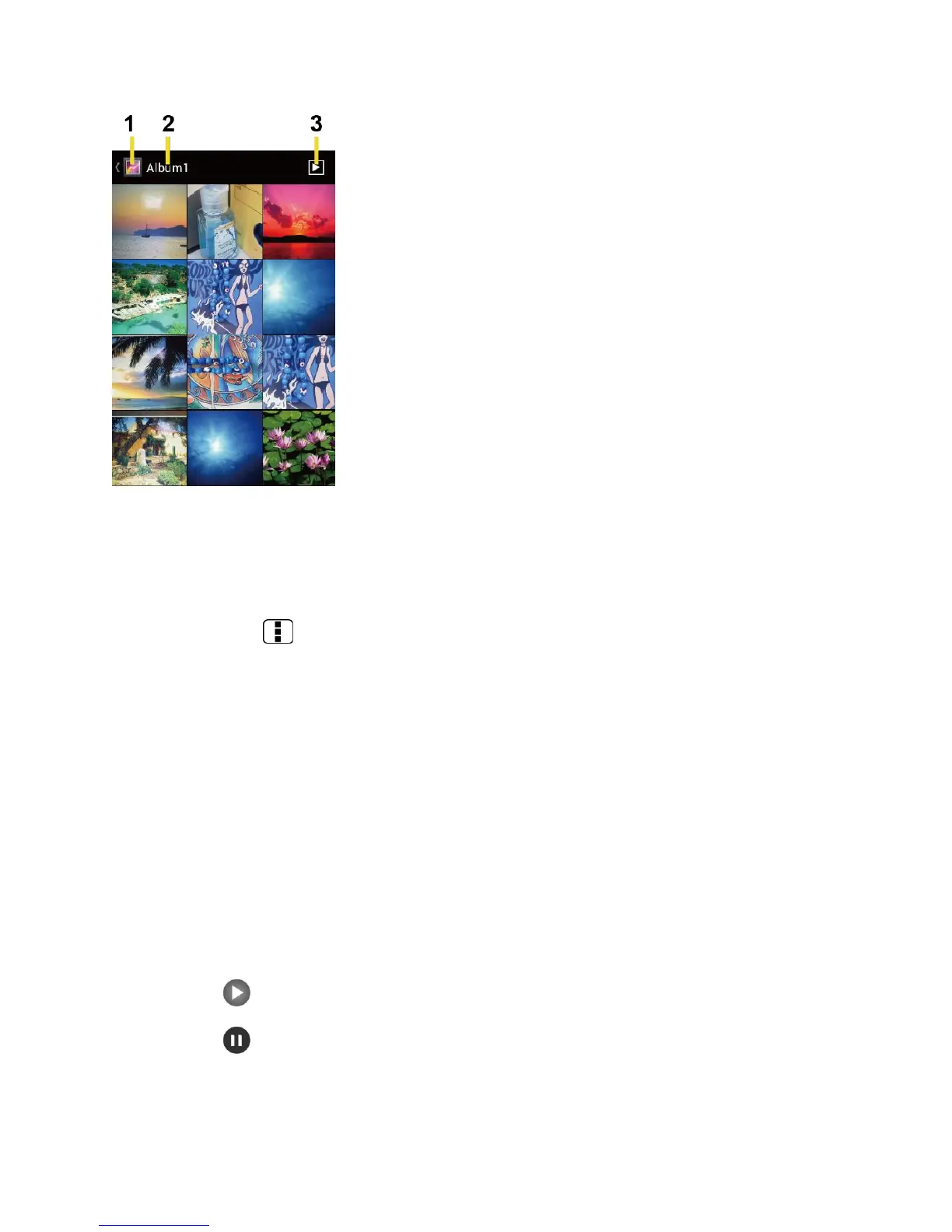
1.
Touch to go back to the Gallery screen.
2.
Name of the album.
3.
Touch to show the slideshow of pictures in this album.
►
Press Menu to select pictures or sort pictures.
Zoom In or Out on a Photo
There are two ways you can zoom in or out of a photo.
►
Touch the screen twice quickly to zoom in, then touch the screen twice quickly again
to zoom out.
- or -
Pinch the screen using your thumb and forefinger to zoom out or spread the screen to
zoom in.
Watch a Video
Use the onscreen controls to play, pause, or stop the video.
►
Touch to play the video.
►
Touch to pause the video.











 To Next Page