34
People
The People application lets you store and manage contacts from a variety of sources,
including contacts you enter and save directly in your device as well as contacts synchronized
with your Google account or compatible email programs.
Display People
►
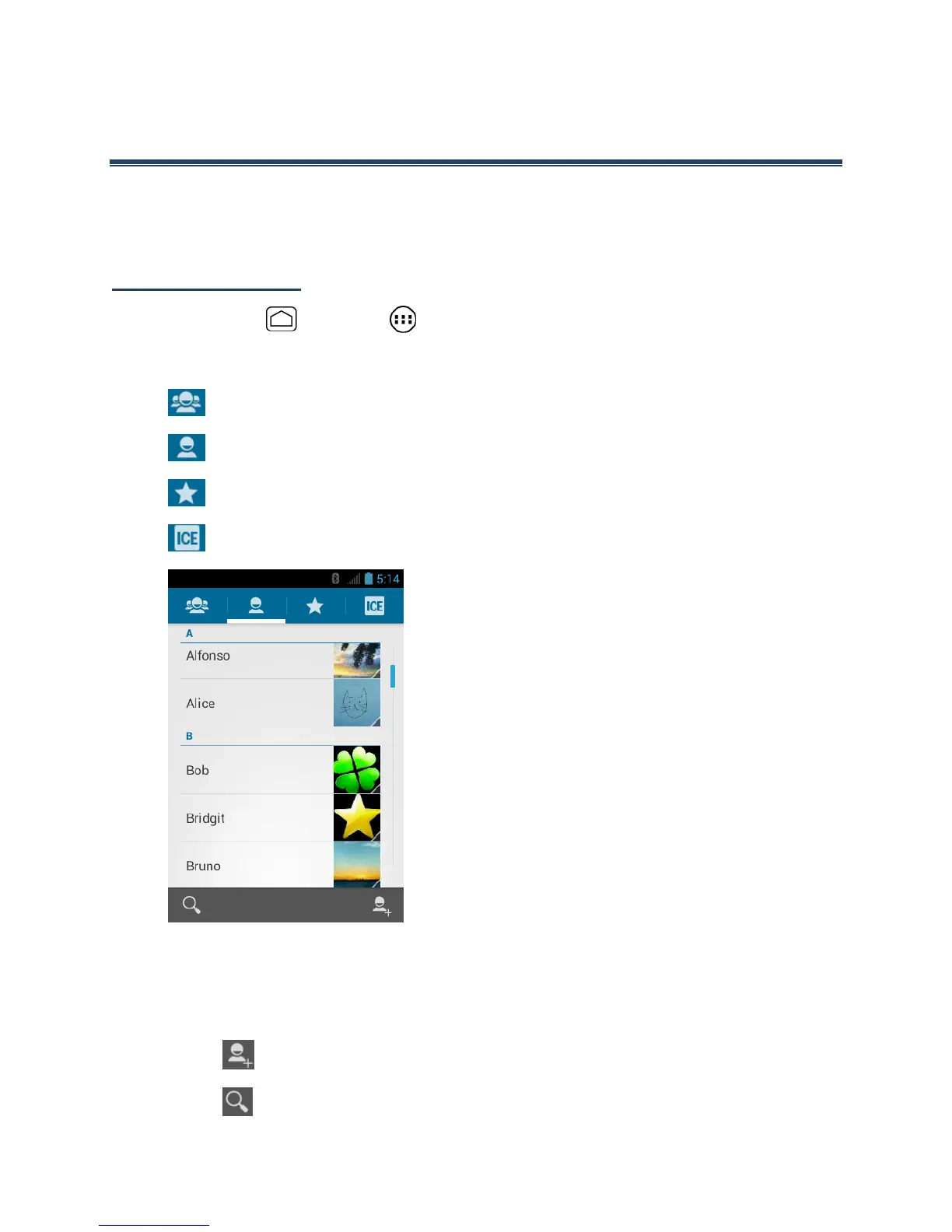
Press Home and touch > People.
There are four tabs on People:
●
Groups to display the Group of entries.
●
All to display all entries.
●
Favorite to display your favorite entries.
●
ICE to display your ICE (in case of emergency) entry.
Scroll through the list to view all your entries. To see a specific entry, scroll to it and touch
it.
The People List Options
●
Touch to add an entry. See Add a New Entry to People.
●
Touch to search an entry.











 To Next Page