43
2.
Do any of the following:
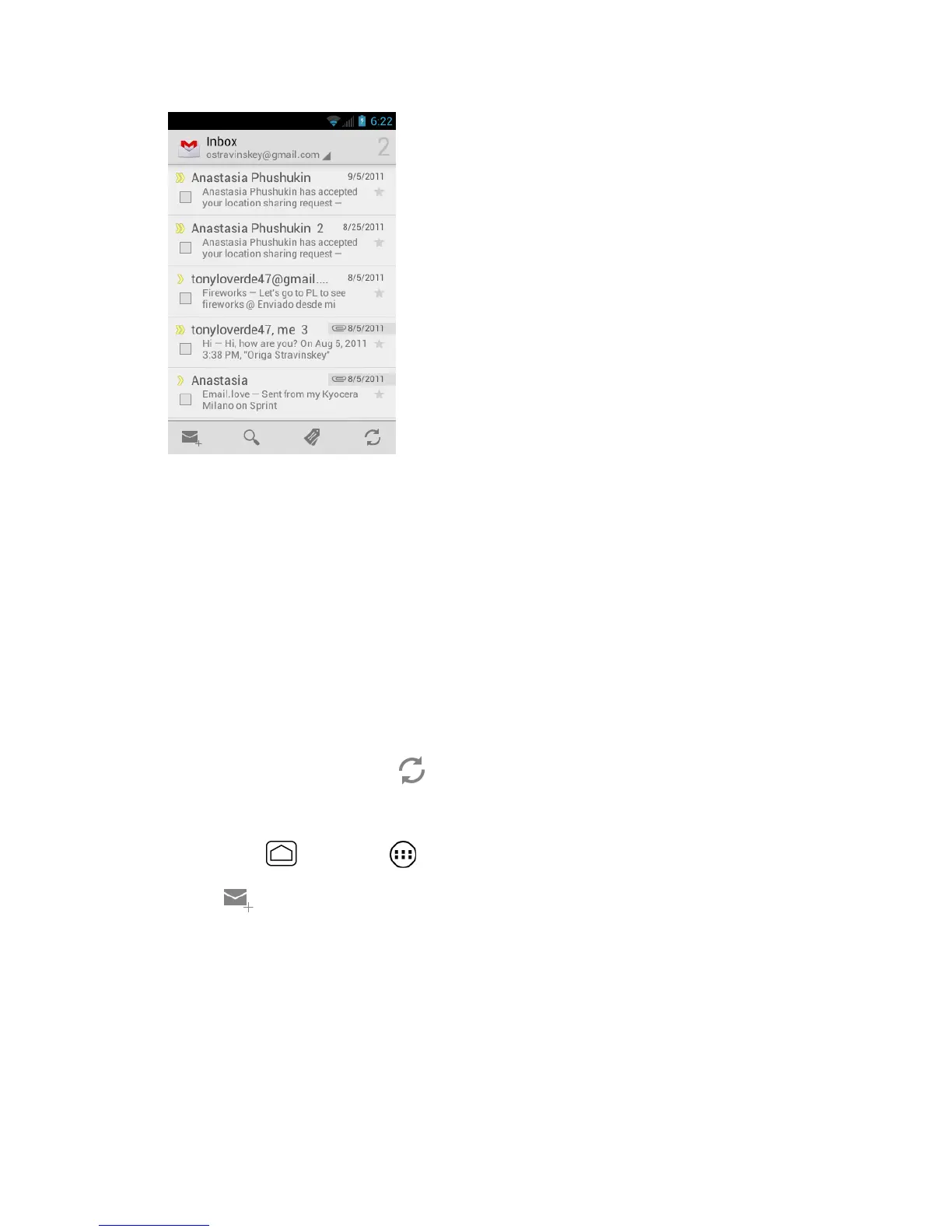
View more email messages: If the Inbox is full, swipe your finger up the screen to
view more messages and conversations.
Read a new email message: Touch the unread message or the conversation with an
unread message (just-arrived items display in bold).
Select messages and conversations: Touch the box before the email or
conversation.
View the Inbox of your other Gmail account. Touch Inbox at the top of the screen
and select the account you want to view its inbox.
Refresh the Inbox: Touch .
Send a Gmail Message
1.
Press Home and touch > Gmail.
2.
Touch .
3.
Enter the message recipient’s email address in the To field. If you are sending the
email message to several recipients, separate the email addresses with a comma. As
you enter email addresses, any matching addresses from your People list are
displayed. Touch a match to enter that address directly.
Tip: You can enter a name saved in People to call up the email address. Touch a match
from an available list.











 To Next Page