98
4.
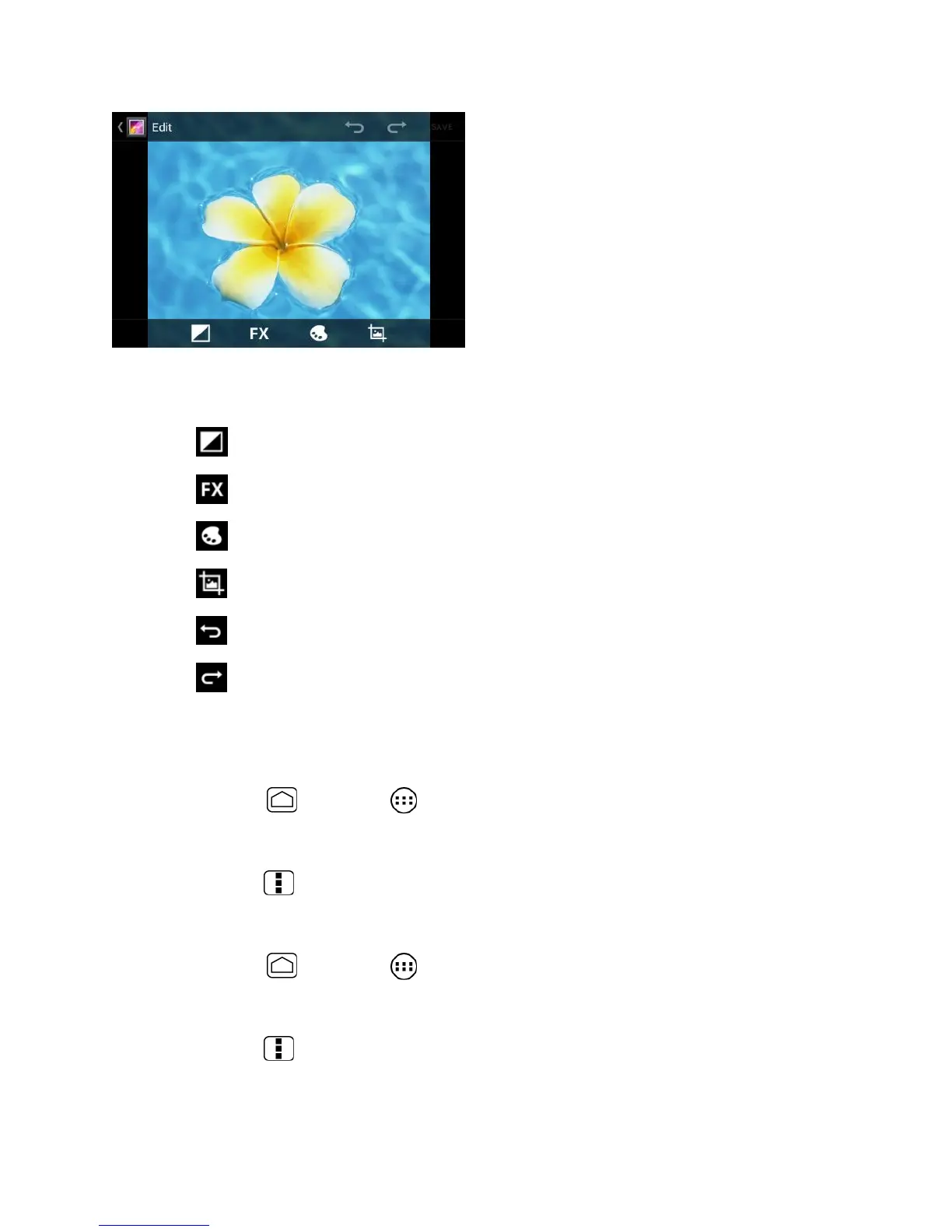
Touch the following icon to edit the picture and scroll left and right to select your
favorite effect.
to add exposure effect.
to add artistic effect.
to add color effect.
to add additional effect.
to undo the action.
to redo the action.
5.
When finished, touch SAVE.
Rotate and Save a Photo
1.
Press Home and touch > Gallery.
2.
Touch an album and then touch a picture.
3.
Press Menu and touch Rotate left or Rotate right.
Crop a Photo
1.
Press Home and touch > Gallery.
2.
Touch an album, and then touch a picture.
3.
Press Menu and touch Crop. A crop box then appears on the photo.











 To Next Page