2
5.
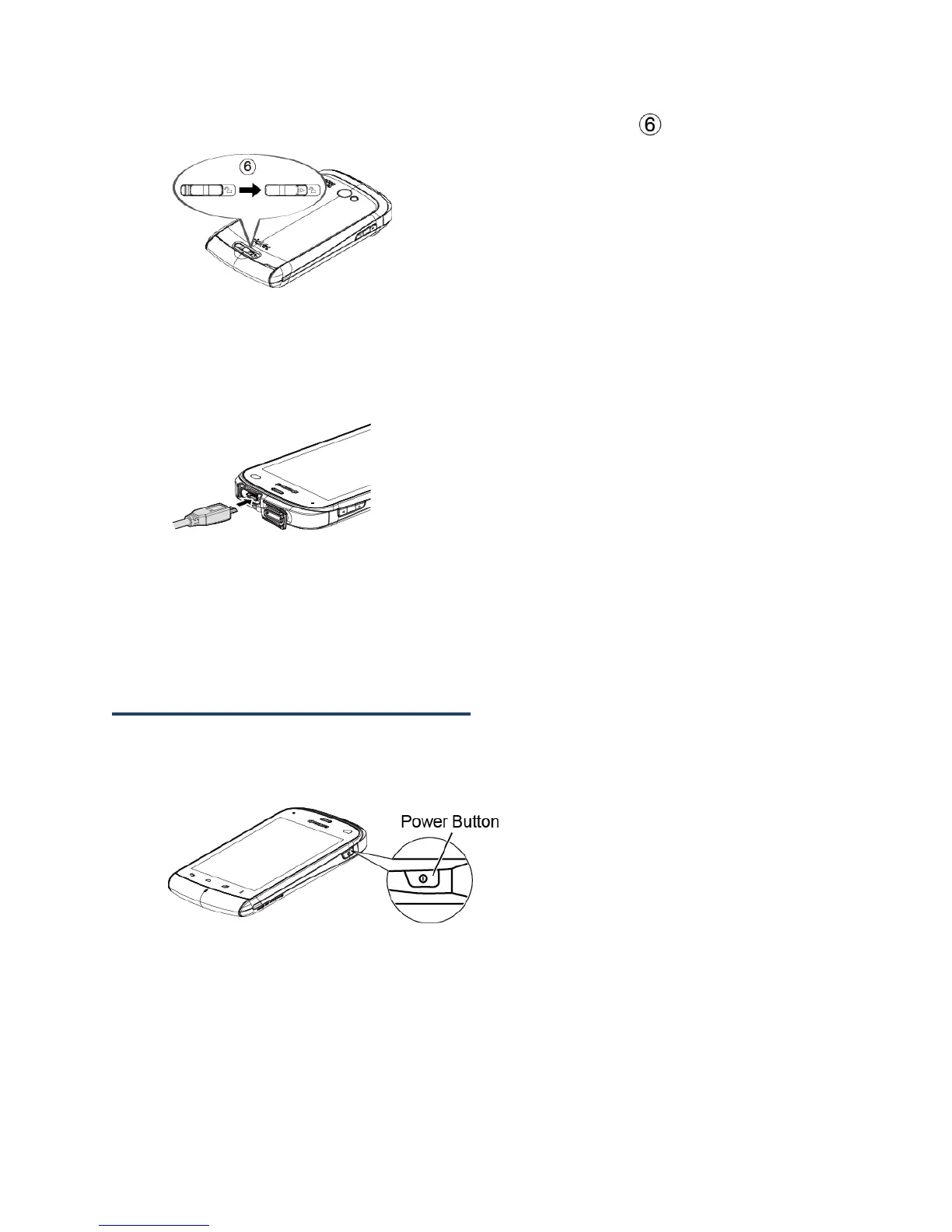
Slide the battery cover release latch to the locked position ( ).
Charge the Battery
1.
Open the cover of the charger/accessory jack.
2.
Plug the smaller end of the micro-USB cable into the device’s charger/accessory jack.
3.
Plug the other end of the USB cable into the charger, and then plug the charger into
an electrical outlet.
Note: Your device’s battery should have enough charge for the device to turn on and find a
signal, set up voicemail, and make a call. You should fully charge the battery as soon
as possible.
Turn the Device On and Off
Turn the Device On
►
Press and hold the Power button.
Turn the Device Off
►
Press and hold the Power button to open the phone options menu. Touch Power off >
OK.
Your screen remains blank while your device is off.











 To Next Page