105
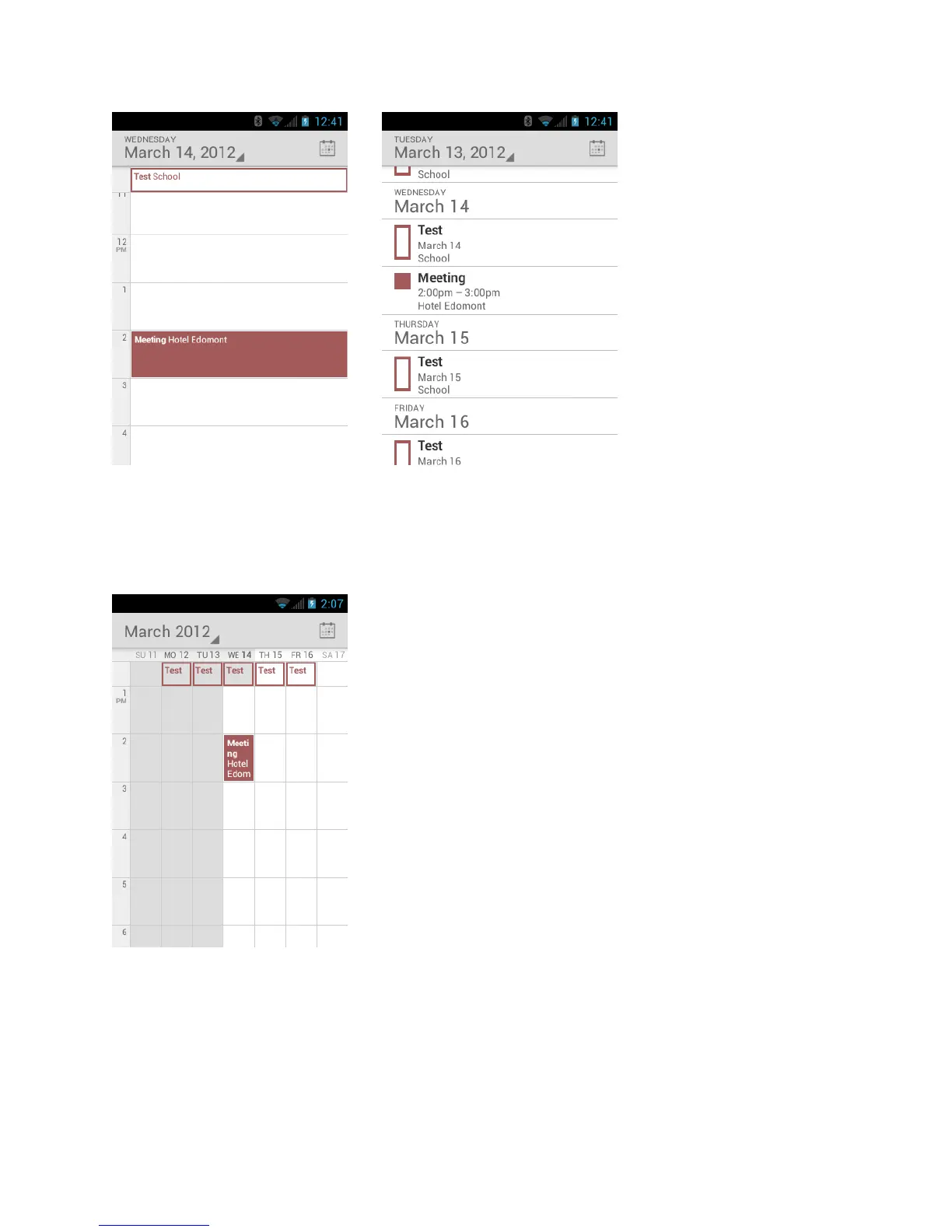
When in Day view, slide left or right across the screen to view earlier or later days.
Week View
Week view displays a chart of the events of one week.
When in Week view:
●
You can touch and hold on a time slot to create an event.
●
Touch an event to view its details.
●
Slide left or right across the screen to view earlier or later weeks.




 To Next Page