116
1.
Set the receiving device to discoverable mode. You may also need to set it to
“Receive Beams” or “Receive Files.” Refer to the device’s documentation for
instructions on receiving information over Bluetooth.
2.
On the device, open the application that contains the information or file you want to
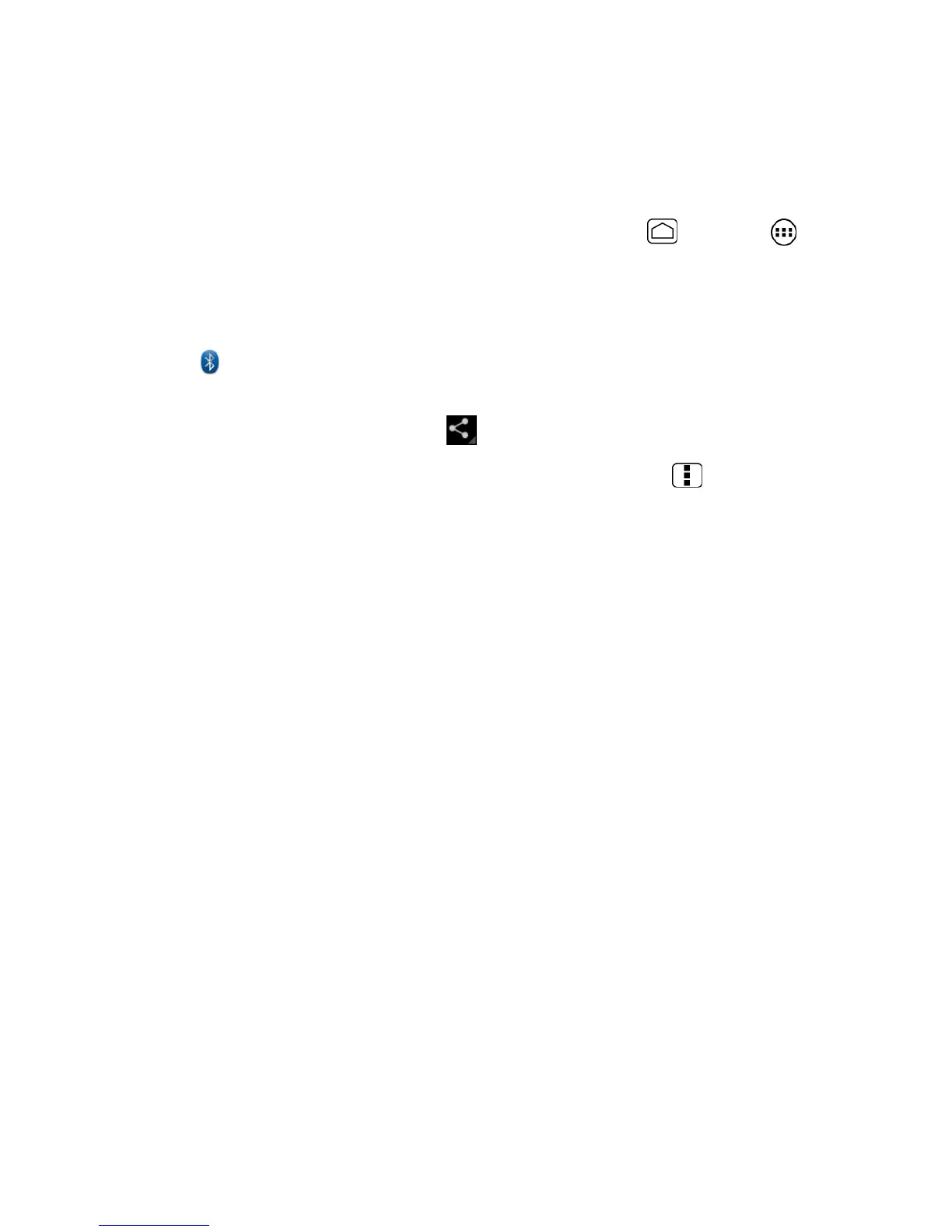
send. For example, if you want to send a photo, press Home and touch >
Gallery.
3.
Follow the steps for the type of item you want to send:
Photo or video (in Camera): After capturing a photo, on the preview screen, touch
.
Photos and videos (in Gallery): On the Albums tab, touch an album, and select the
items you want to share. Touch , and then touch Bluetooth.
Contacts information: Touch the entry, and then press Menu and touch Share
> Bluetooth.
4.
If you are prompted to turn on Bluetooth, touch Turn on.
5.
Touch the name of the receiving device.
6.
If prompted, accept the connection on the receiving device, and enter the same
passcode on both your device and the other device, or confirm the auto-generated
passcode.
7.
On the receiving device, accept the file.
The location where the information is saved depends on the type of information and the
receiving device:
●
If you send a contact, it is normally added directly to the contact application on the
receiving device.
●
If you send another file type to a Windows computer, it is normally saved in the
Bluetooth Exchange folder within your personal document folders.
On Windows XP, the path may be: C:\Documents and Settings\[your username]\
My Documents\Bluetooth Exchange.
On Windows Vista, the path may be: C:\Users\[your username]\Documents.
●
If you send a file to another device, the saved location may depend on the file type.
For example, if you send an image file to another wireless phone, it may be saved in a
folder named “Images.”




 To Next Page