36
2.
If this is the first time to open the People application, select where to save a new
entry:
Existing to save to your existing Google account.
New to save to your new Google account.
Not now to save to your device only.
3.
Touch .
You may be prompted to select an account to synchronize the new contact with.
•
Select an account from the displayed list.
•
Touch Add new account to add a new account. Select Google or Corporate.
•
They will be synced automatically with your Google account online.
4.
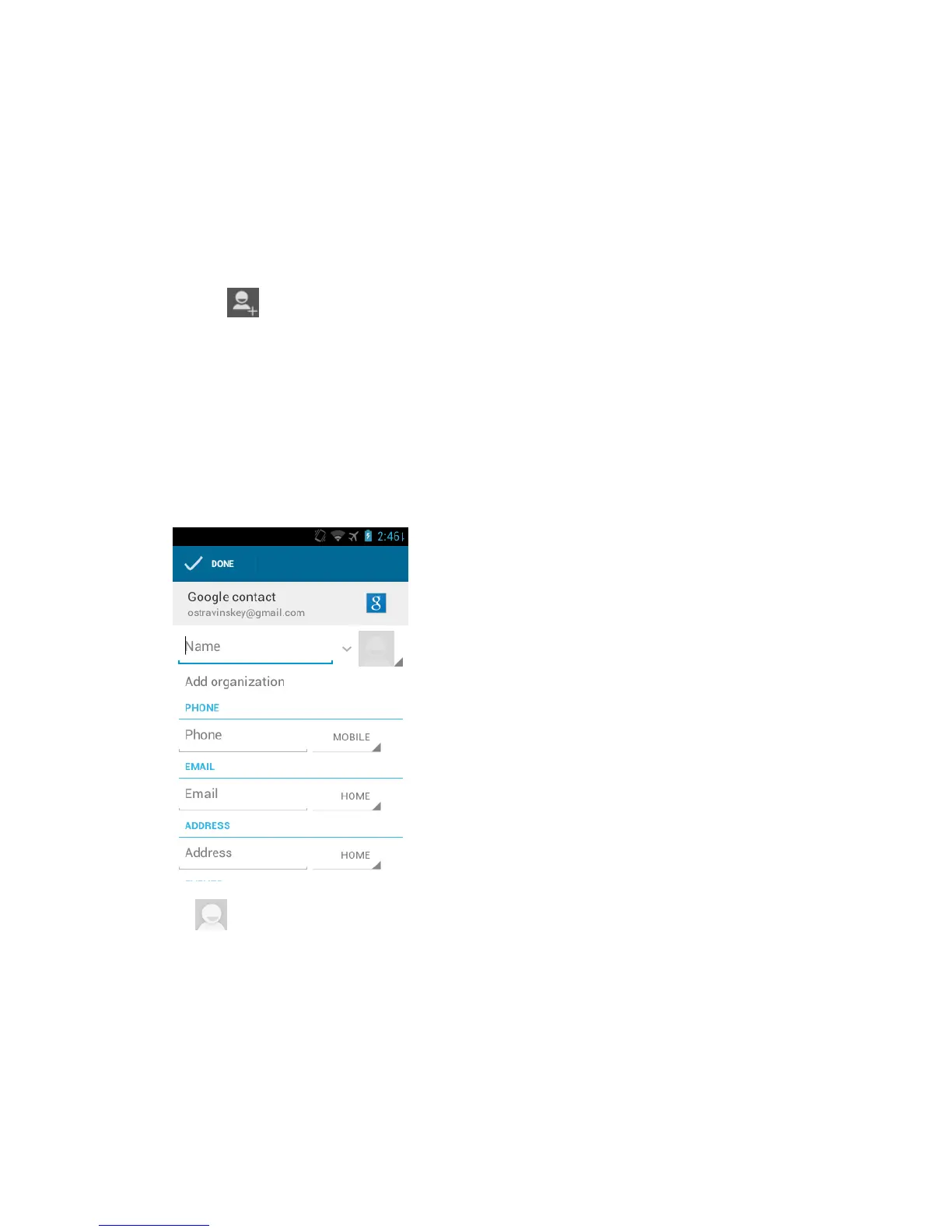
Use the keyboard to enter as much information as you want.
(People icon): Touch to assign a photo to the entry. See Assign a Picture to
an Entry .
Name
Add organization
PHONE
EMAIL











 To Next Page