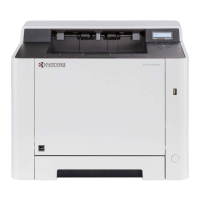
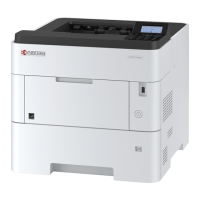
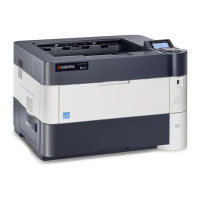
2RV/2RW/2RX/2RY/3RA
4-72
18. Pull out the cassette
19. Open the front cover (a).
20. Twist three hooks (b) at the rear side of
the right cover (a) to detach it.
21. Release two hooks by using a flat-head
screwdriver (c).
Figure 4-130
22. Release three hooks by using a flat-
head screwdriver (d).
23. Twist two hooks (c) at the front side of
the right cover (b) to release them and
detach the right cover (b).
Figure 4-131
a
b
c
a
c
b
d



 To Next Page
 Loading...