EasyManua.ls Logo

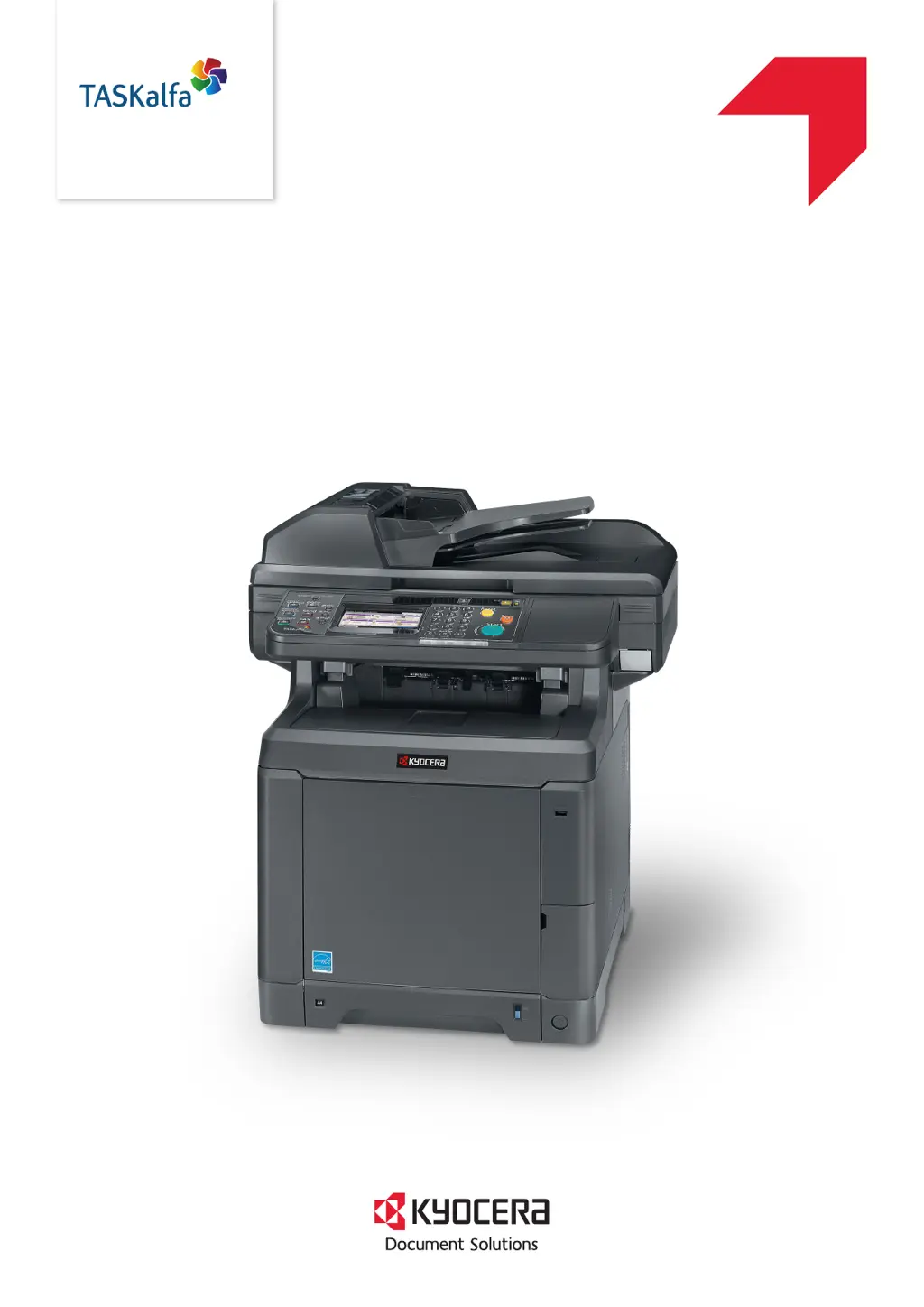
Kyocera TASKalfa 266ci - User Manual

Kyocera TASKalfa 266ci
402 pages
Print Icon
To Next Page IconTo Next Page
Loading...
OPERATION GUIDE
PRINT
COPY
SCAN
FAX
TASKalfa 266ci

Table of Contents

Other manuals for Kyocera TASKalfa 266ci

Questions and Answers

  • R
    richardcollinsAug 19, 2025
    Why can't I send a fax from my Kyocera Fax Machine?
    • G
      gjohnsonAug 20, 2025
      There could be several reasons why you are unable to send a fax. Make sure the modular cord is correctly connected. Verify that the Permitted FAX No. or Permitted ID No. are registered correctly. If a communication error occurred, check the error codes in the TX/RX Result Report and Activity Report and perform the corresponding procedure if the error code starts with "U" or "E". The destination FAX line might be busy, or the destination FAX machine might not be responding, so try sending again. If none of these solutions work, contact your Service Representative.
  • C
    Cheryl MarshallAug 22, 2025
    What to do if my Kyocera Fax Machine says to add paper in cassette?
    • N
      Nicholas HenryAug 22, 2025
      If your fax machine prompts you to add paper, it means: * The indicated cassette is out of paper, so add paper. If the reception paper type is specified, the necessary paper type is also displayed. To use another paper source, press [Paper Selection]. To print using the selected paper, press [Continue]. * The type of printing paper is specified, but the cassette for the specified paper type is not available. Select another paper source and press [Continue]. * The cassette is not securely loaded, so remove the cassette and reload it completely.
  • J
    James GibsonAug 25, 2025
    How to fix 'Cannot send document' error on Kyocera Fax Machine?
    • J
      Jasmine PowersAug 25, 2025
      If you're getting a 'Cannot send document' error, first ensure the modular cord is correctly connected. If a Send error is displayed, remedy the cause of the error and try sending again. Also, check if TX (transmission) restriction is activated and cancel it if necessary.
  • C
    Cody AndersonAug 26, 2025
    What to do if Kyocera Fax Machine cannot receive document?
    • M
      mitchellstevenAug 26, 2025
      If your Kyocera Fax Machine cannot receive a document, first check that the modular cord is connected correctly. If a Communication error is displayed, remedy the cause of the error and ask the sender to retry. Also, verify whether RX (reception) restriction is activated and, if so, cancel it.
  • R
    Robert RollinsAug 27, 2025
    How to troubleshoot 'Machine failure' on Kyocera Fax Machine?
    • T
      Terry BrandtAug 27, 2025
      If you are experiencing a machine failure, try turning the main power switch off and on, or unplug the power cord and plug it in again. If the message still appears, note the error code. Then, turn the main power switch off, unplug the power cord, and call your service representative.
  • M
    Micheal GilesAug 29, 2025
    Why Kyocera Fax Machine cannot perform broadcast transmission?
    • M
      Matthew LittleAug 29, 2025
      If your Kyocera Fax Machine cannot perform broadcast transmission, it is likely because there is not enough free space available in the memory. Try again after the memory has free space, or create free space in the memory.
  • K
    Kenneth WoodAug 31, 2025
    What causes Kyocera Fax Machine cannot perform memory reception?
    • J
      Jamie ArellanoSep 1, 2025
      If your Kyocera Fax Machine cannot perform memory reception, the most likely cause is insufficient free space in the memory. To resolve this, either receive after the memory has free space, or create free space in the memory.
  • F
    Fernando PalmerSep 2, 2025
    What to do if my Kyocera Fax Machine says the phone receiver is off the hook?
    • C
      Cathy PhillipsSep 2, 2025
      If your fax machine indicates that the phone receiver is off the hook, and you have a commercially available phone connected to the machine, ensure that the handset is hung up properly.
  • K
    Karen CurrySep 4, 2025
    How to solve 'Cannot perform encrypted communication' on Kyocera Fax Machine?
    • L
      Leslie FarmerSep 4, 2025
      If your Kyocera Fax Machine cannot perform encrypted communication, double-check the registrations both at the sender and recipient to ensure they are correct.
  • R
    robertsmarySep 7, 2025
    Why Kyocera Fax Machine cannot perform sub address transmission?
    • J
      Joseph BrownSep 7, 2025
      If the Kyocera Fax Machine cannot perform sub address transmission, it may be due to several reasons. First, sub address transmission cannot be performed unless the recipient fax machine has a similar sub address transmission feature. Second, ensure that the entered sub address or sub address password is identical to the sub address or sub address password registered in the recipient fax machine; if your entry is correct, check with the recipient. This machine does not use a sub address password for reception. Finally, check with the recipient to ensure that free space is available in the memory of the recipient fax machine.

Kyocera TASKalfa 266ci Specifications

General IconGeneral
Duplex printingYes
Print technologyLaser
Maximum resolution9600 x 600 DPI
Duplex printing modeAuto
Time to first page (black, normal)9 s
Time to first page (color, normal)10.5 s
Print speed (black, normal quality, A4/US Letter)26 ppm
Copier resize25 - 400 %
Maximum copy resolution- DPI
Maximum number of copies999 copies
Scan toE-mail, Fax, FTP, SMB, USB
Grayscale levels256
Maximum scan areaLegal (216 x 356) mm
Image formats supportedJPG
Document formats supportedPDF, XPS
Optical scanning resolution600 x 600 DPI
FaxingMono faxing
Modem speed33.6 Kbit/s
Fax coding methodsJBIG, MH, MMR (Fax coding method), MR
Fax resolution (black)400 x 400 DPI
Fax transmission speed2.5 sec/page
Printing colorsBlack, Cyan, Magenta, Yellow
Maximum duty cycle- pages per month
Number of print cartridges4
Page description languagesPCL 5c, PCL 6, PCL XL, PDF 1.7, PostScript 3
Memory slots1
Processor familyPowerPC
Compatible memory cardsSD, SDHC
Maximum internal memory2048 MB
Sound power level (standby)27.6 dB
Sound pressure level (copying)48.5 dB
Sound pressure level (printing)48.6 dB
Paper input typeCassette
Total input capacity250 sheets
Total output capacity150 sheets
Maximum input capacity1300 sheets
Maximum number of input trays3
Multi-Purpose tray input capacity50 sheets
Maximum print size210 x 297 mm
Paper tray media typesEnvelopes, Plain paper
Paper tray media weight60 - 163 g/m²
Non-ISO print media sizesFolio
ISO A-series sizes (A0...A9)A4, A5, A6
ISO B-series sizes (B0...B9)B5
Multi-purpose tray media typesEnvelopes
Maximum ISO A-series paper sizeA4
Multi-Purpose Tray media weight60 - 220 g/m²
DisplayLCD
Control typeTouch
Product colorBlack
Market positioningBusiness
Wi-FiNo
Cabling technology10/100/1000Base-T(X)
Ethernet LAN data rates10, 100, 1000 Mbit/s
Mobile printing technologiesApple AirPrint
Standard interfacesUSB 2.0
USB 2.0 ports quantity2
AC input voltage220 - 240 V
AC input frequency50 - 60 Hz
Power consumption (standby)3 W
Power consumption (PowerSave)41 W
Power consumption (average operating)445 W
Mac operating systems supportedMac OS X 10.5 Leopard, Mac OS X 10.6 Snow Leopard, Mac OS X 10.7 Lion, Mac OS X 10.8 Mountain Lion, Mac OS X 10.9 Mavericks
Sustainability certificatesENERGY STAR
Weight and Dimensions IconWeight and Dimensions
Depth550 mm
Width514 mm
Height603 mm

Related product manuals