6-35
Using Various Functions > Functions
Color Selection
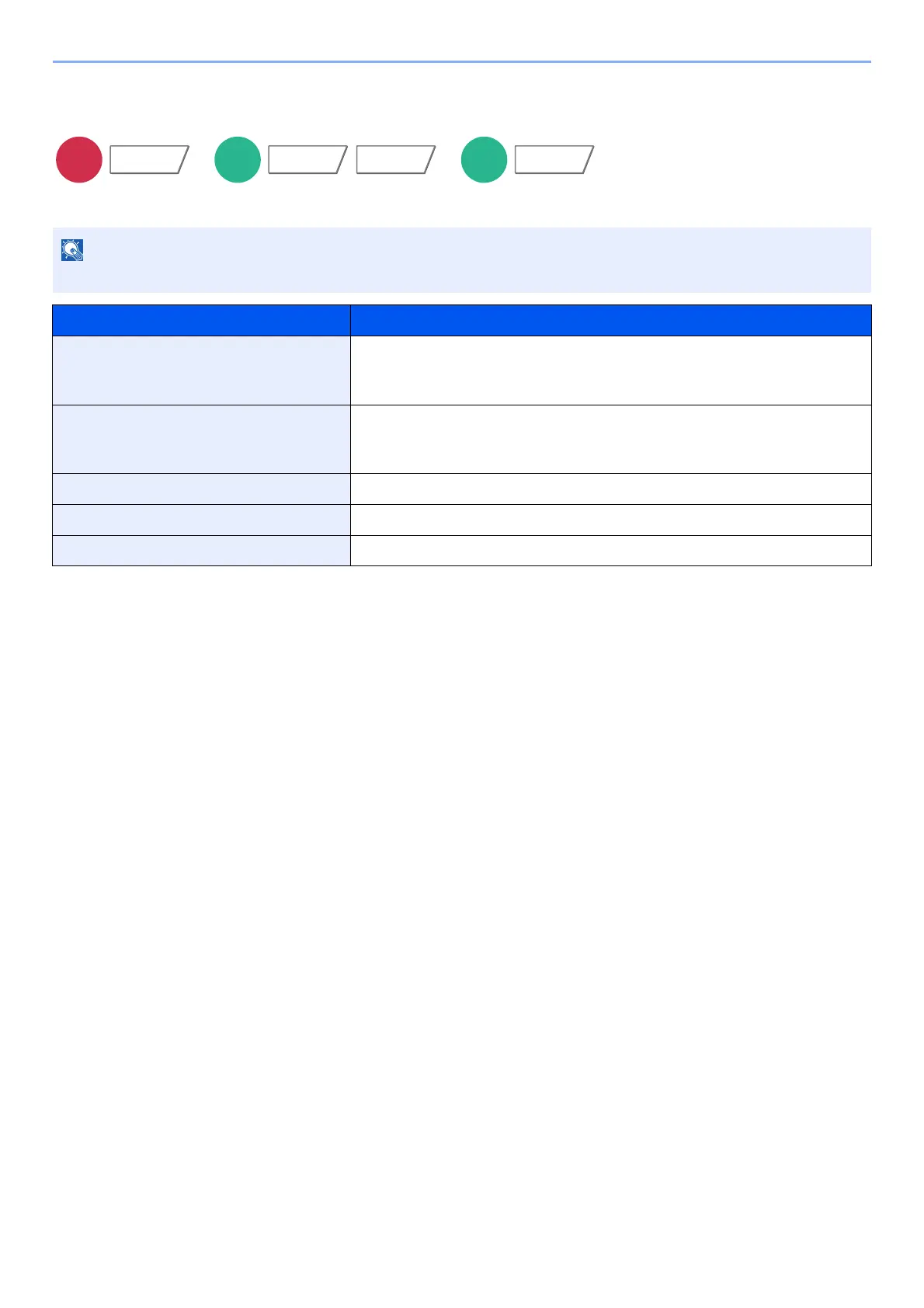
Select the color mode setting.
The default color mode for scanning documents is [Auto Color (Color/Gray)].
Item Description
Auto Color (Color/Gray) Automatically recognizes whether the document is color or black and
white, and scan color documents in Full Color and black and white
documents in Grayscale.
Auto Color (Color/B & W) Automatically recognizes whether the document is color or black and
white, and scan color documents in Full Color and black and white
documents in Black and White.
Full Color Scans the document in full color.
Grayscale Scans the document in grayscale. Produces a smooth, detailed image.
Black & White Scans the document in black and white.
Functions Color/
Image Quality
Functions






 To Next Page