9-19
User Authentication and Accounting (User Login, Job Accounting) > Setting User Login Administration
Group Authorization Settings
Set restrictions of the machine usage by each individual group registered in the authentication server.
Group Authorization
1
Display the screen.
1 [System Menu/Counter] key > [User Login/Job Accounting]
2 "User Login Setting" [Next] > "Group Authorization Set." [Next] >
"Group Authorization" [Change]
2
[On] > [OK]
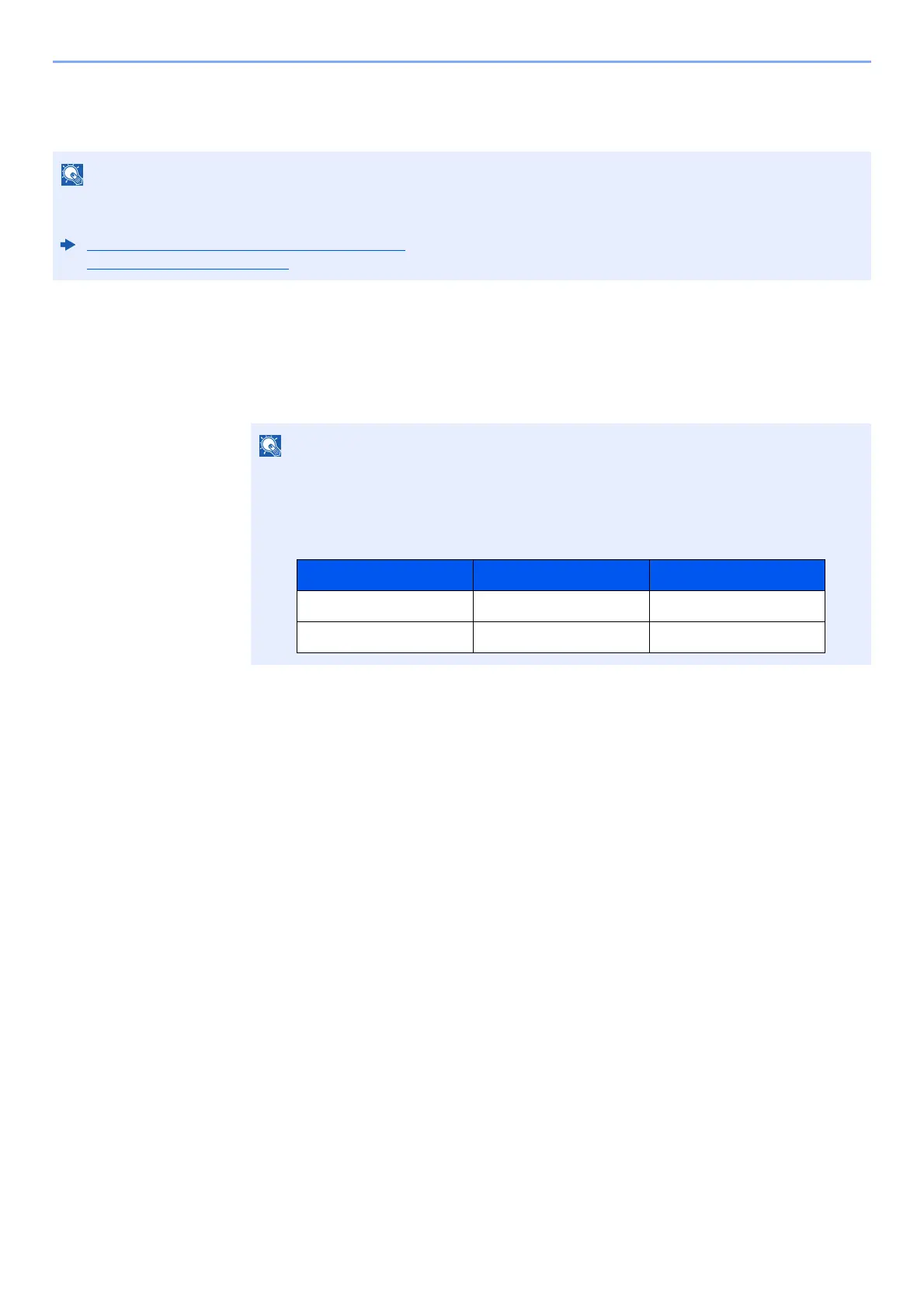
To use the group authorization settings, [Network Authentication] must be selected for the authentication method in
"Enabling User Login Administration". Select "On" for "LDAP" in "Protocol Detail".
Enabling User Login Administration (page 9-3)
Protocol Settings (page 8-58)
If the login user name entry screen appears during operations, enter a login user name
and password, and select [Login]. For this, you need to login as an administrator or as a
user with privileges to carry out this setting.
The factory default login user name and login password are set as shown below.
Model Name Login User Name Login Password
TASKalfa 5003i 5000 5000
TASKalfa 6003i 6000 6000











 To Next Page