11-9
Appendix > Applications
4 Select [Yes] in the confirmation screen.
Checking Details of Application
1 [System Menu/Counter] key > [System/NetWork] > "Optional Function" [Next]
2 Select the desired application and select [Detail].
You can view detailed information on the selected application.
The table below lists the item you can view.
Extend the trial period.
[Extend] > [Yes]
The trial period is extended.
Icons of activated application are displayed in the Home screen.
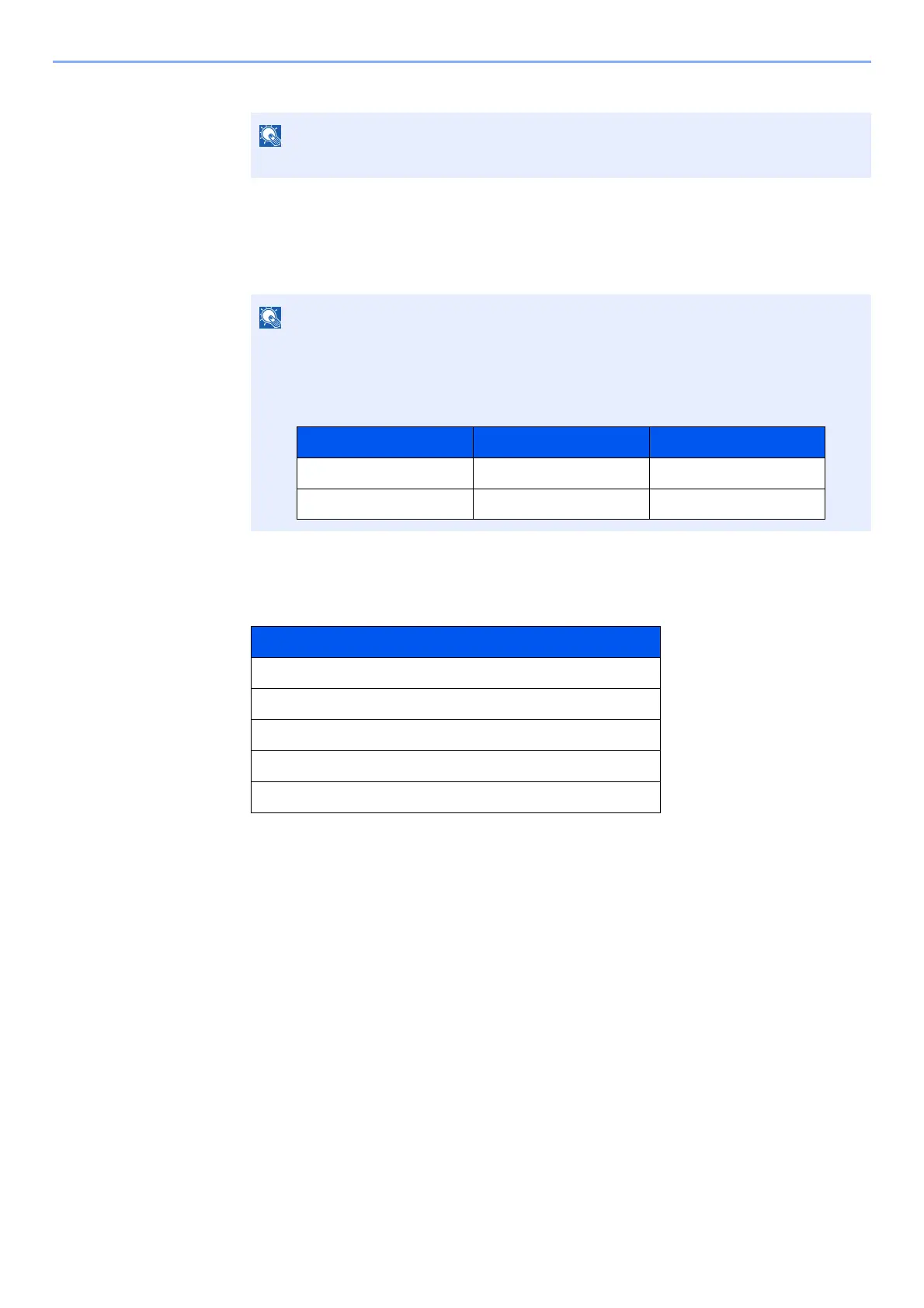
If the user authentication screen appears, enter your login user name and login
password and select [Login]. For this, you need to login as an administrator or as a user
with privileges to carry out this setting. The factory default login user name and login
password are set as shown below.
Item
Function Name
License
Remaining Counts
Expiration Date
Status
Model Name Login User Name Login Password
TASKalfa 5003i 5000 5000
TASKalfa 6003i 6000 6000






 To Next Page