11
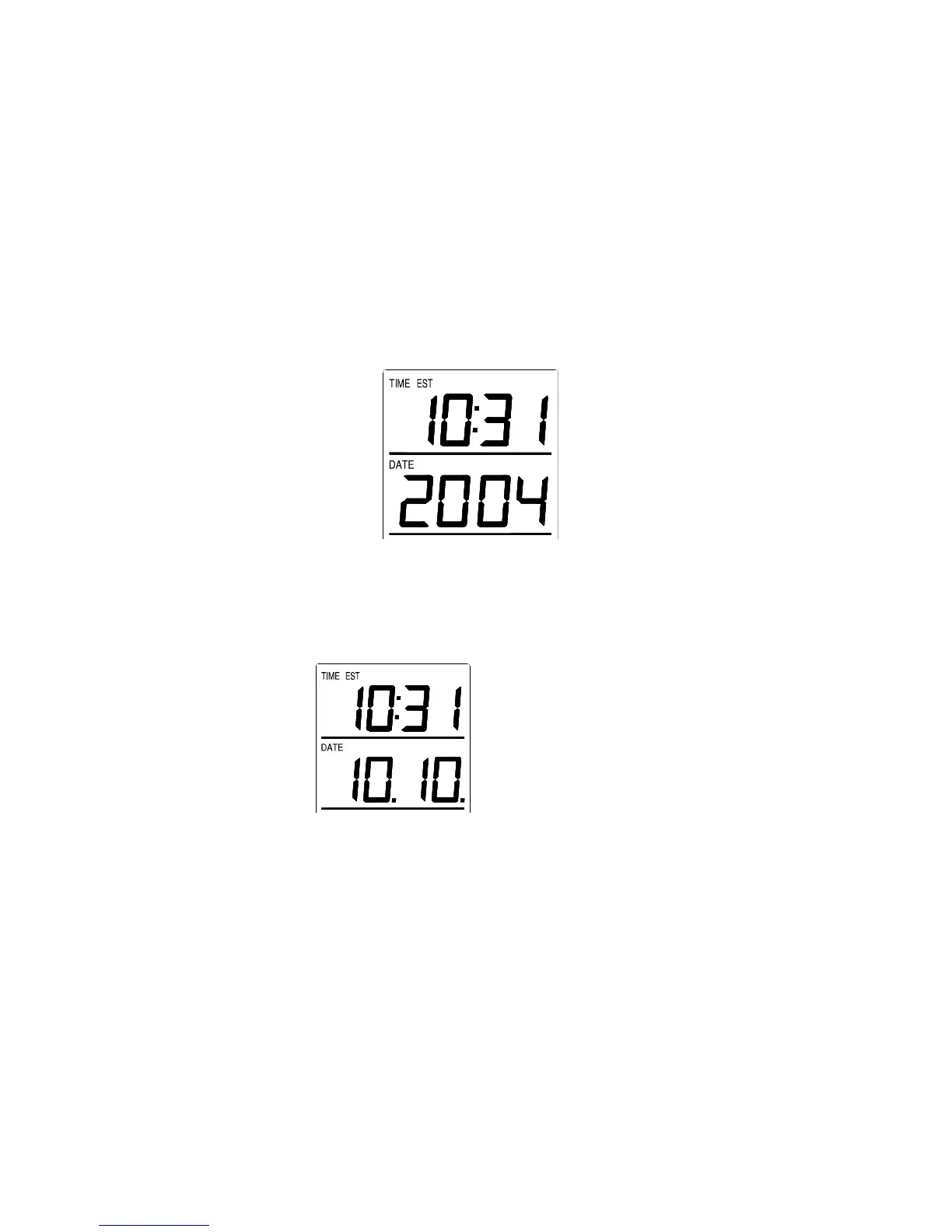
IX. SETTING THE YEAR, DAY AND MONTH
Note: Reception of the WWVB signal will also set the date and day.
The reception of the signal will override any programmed date and day.
1. Press and hold the SET button for 5 seconds.
2. “LCD” will show in the time LCD and the number setting will
flash.
3. Press and release the SET button six times.
4. The year will flash in the date LCD.
5. Press and release the IN button to advance the year.
6. Press and release the SET button to confirm and advance to the
day/month setting.
7. The day and month will flash in the date LCD.
8. Press and release the IN button to advance the month in 12h time
format display (for date in 24h time format display) .
9. Press and release the OUT button to advance the day in 12h time
format display (for month in 24h time format display).
10. Press and release the SET button to confirm and advance to the
snooze setting.
Note:
Month, Date (for 12h time format display)
Date, Month (for 24h time format display)









 To Next Page