13
FEATURES OF THE TX2000
I. INDOOR TEMPERATURE
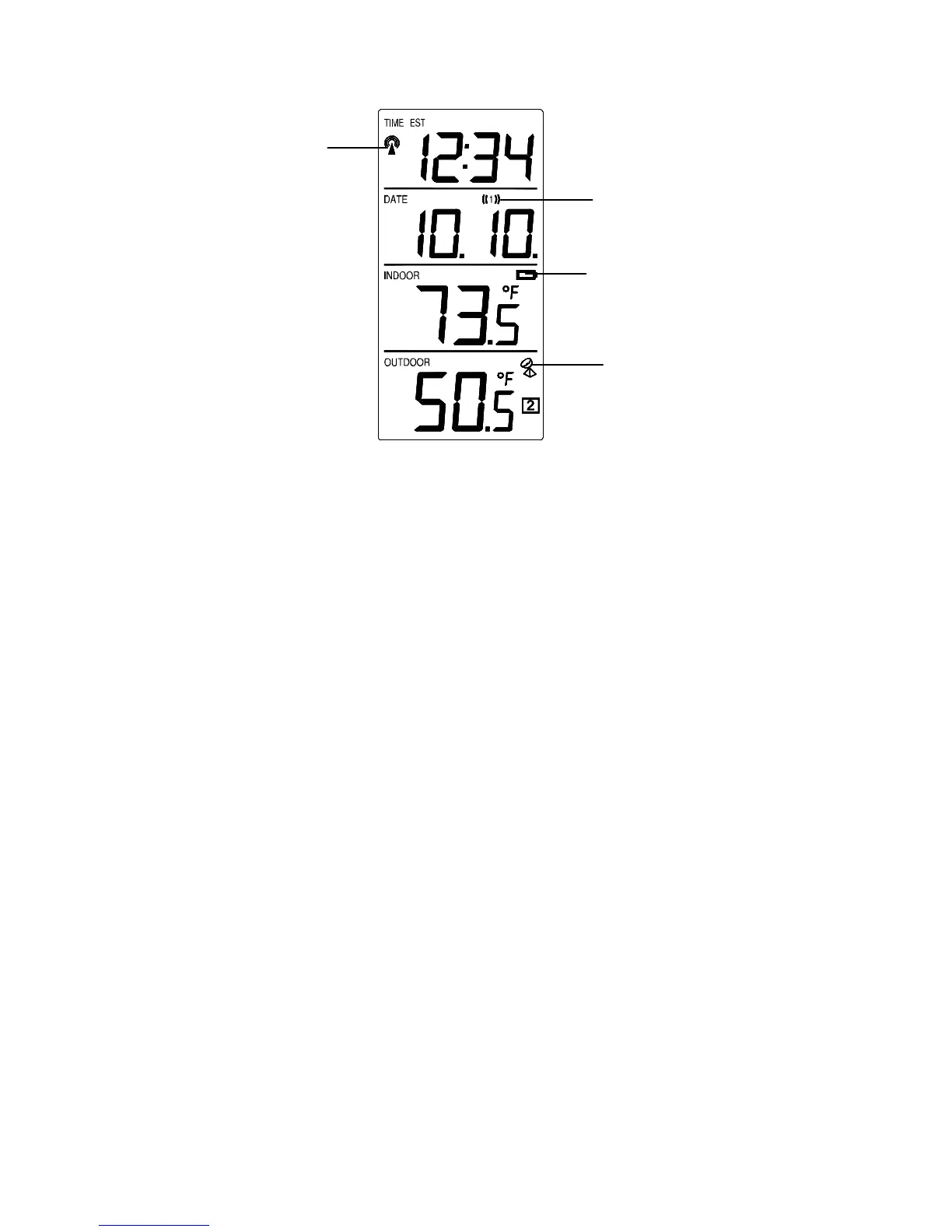
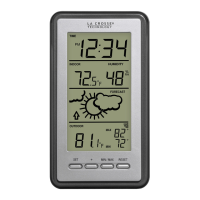
The current indoor temperature is displayed in the INDOOR LCD.
II. OUTDOOR TEMPERATURE
The temperature received from the remote temperature sensor is viewed in
the OUTDOOR LCD. When there is more than one remote sensor unit in
operation, a “boxed” number will appear to the right of the temperature.
This indicates which remote sensor unit (1, 2, or 3) is currently displaying
its data in the OUTDOOR LCD. (This feature is explained in further detail
in section V—Adding Remote Temperature Sensors).
III. MINIMUM AND MAXIMUM TEMPERATURE RECORDS
The TX2000 keeps a record of the MINIMUM and MAXIMUM
temperature, and the time and date of their occurrence—for both the indoor
and outdoor modes.
A. VIEWING THE INDOOR TEMPERATURE RECORDS
1. Press the IN button once. “MIN” appears above the indoor
temperature and the LCD will flash, indicating that the
minimum temperature and the time and date of occurrence are
WWVB Tower Icon
(indicates time reception)
Satellite icon (indicates
outdoor transmission)
Alarm icon
Low battery icon









 To Next Page