9
6. Press and release the SET button to confirm and advance to
the 12/24-hour time setting.
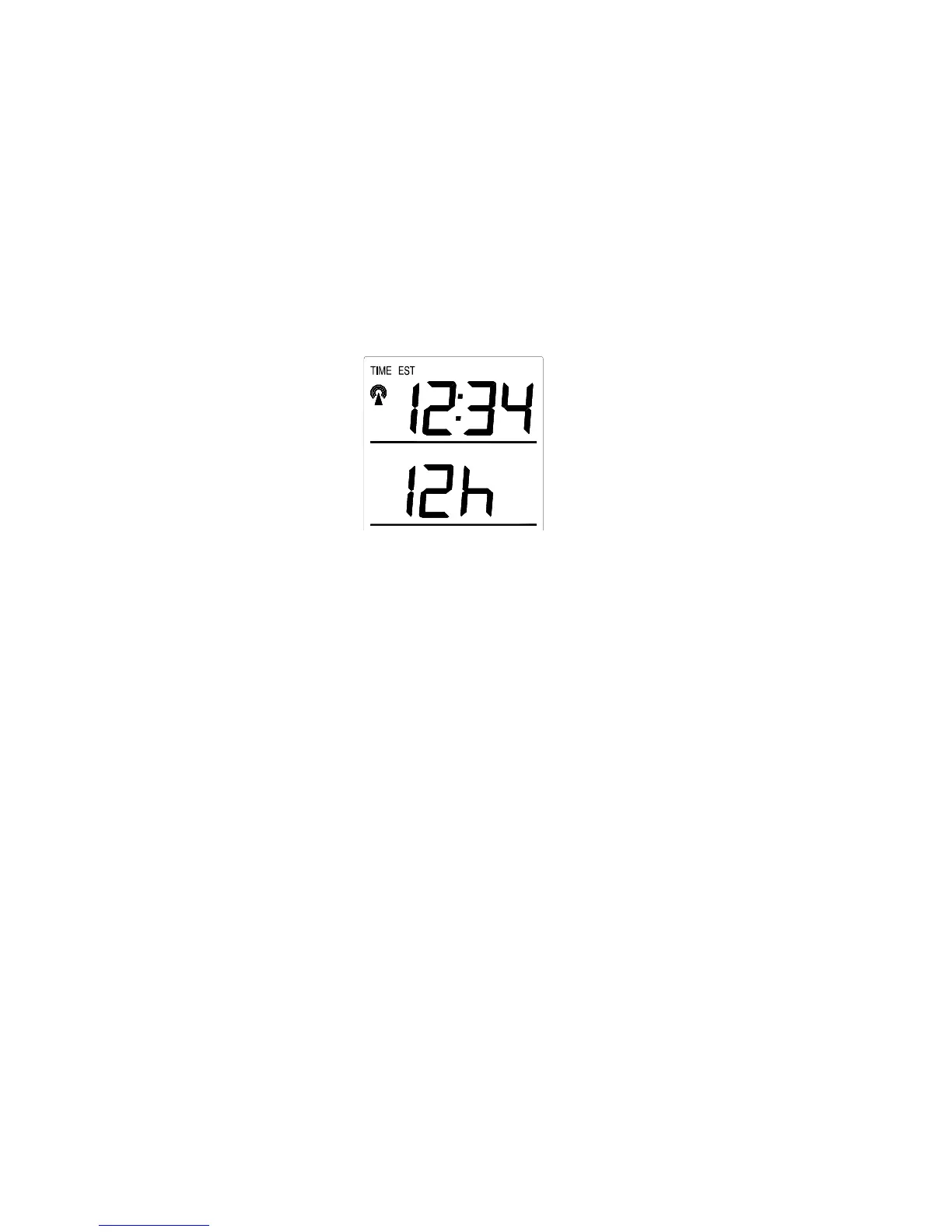
VII. 12 OR 24 HOUR TIME SETTING
1. Press and hold the SET button for 5 seconds.
2. “LCD” will show in the time LCD and the number setting will
flash.
3. Press and release the SET button four times.
4. “12h” or “24h” will flash in the time LCD.
5. Press and release the IN button to select 12 or 24-hour time
format.
Note: When in the 12-hour format “P.M.” will appear to the left
of the hour in the time LCD between the hours of noon and
midnight.
6. Press and release the SET button to confirm and advance to
the time setting.
VIII. TIME SETTING
There are two methods by which the time and date can be set:
A) Automatically via WWVB reception, or
B) Manually.
A. WWVB (Remote Control Time)
This method requires you to do nothing, except wait for the signal to be
received, and to select a time zone. Reception usually takes
approximately 10 minutes during optimal conditions. The best









 To Next Page