12
X. SETTING THE SNOOZE
1. Press and hold the SET button for 5 seconds.
2. “LCD” will show in the time LCD and the number setting will
flash.
3. Press and release the SET button 8 times.
4. The snooze duration will flash in the date LCD.
5. Press and release the IN button to advance the duration time of the
snooze.
6. Press and release the SET button to confirm and advance to the
temperature format setting.
Note: The snooze can be set to OFF, 5, 10, 15, 20, 25 or 30 minutes.
XI. SELECTING °F OR °C
1. Press and hold the SET button for 5 seconds.
2. “LCD” will show in the time LCD and the number setting will
flash.
3. Press and release the SET button nine times.
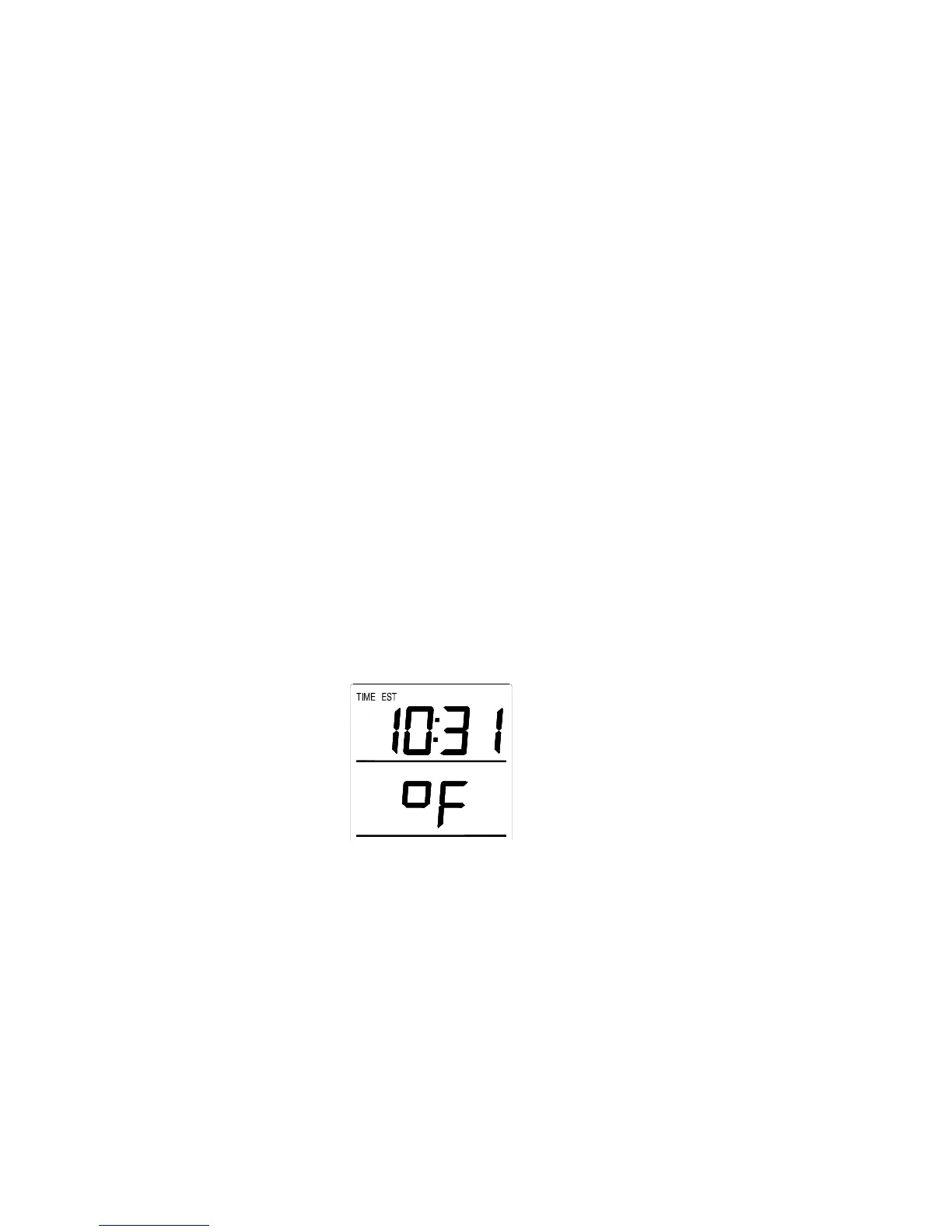
4. Either ”°F” or “°C” will flash in the time LCD.
5. Press and release the IN button to select the temperature format.
6. Press and release the SET button to confirm and advance to the
forecast sensitivity setting.
XII. SETTING THE FORECAST SENSITIVITY
Note: This is an unused function of the thermo station and should be
disregarded. The setting has no bearing on the operation. Please press and
release the SET button to exit the manual settings.









 To Next Page